Category Archives: Schoolhouse Review Crew Post

Home School in the Woods . . . a TOS Review

My kids have enjoyed learning with lapbooks ever since we discovered them several years ago, so when I got the chance to review a lapbook package from Home School in the Woods, I grabbed for it!

Home School in the Woods has long been well-known for their Timeline figure sets, Timeline Notebook and Olde World Style Map Sets, but I have to say that judging by the one we got for our review, they have also really hit the mark with “ready to go” lapbooking! Amy Pak and her family do live in the woods, and because she didn’t care for the thought of teaching history, she decided to use timelines. Eventually falling in love with the topic, she began to create timeline figures that are realistic. You can read more about Amy Pak and her family here.

We had to choose between:

Hands-on History Lap-Pak: The 20th Century in America

Great Empires

and

Hands-on History Activity Pak: Composers

I decided that I really wanted to focus on American History with this one, so we chose to request the Hands-on History Lap Pak: The 20th Century in America.
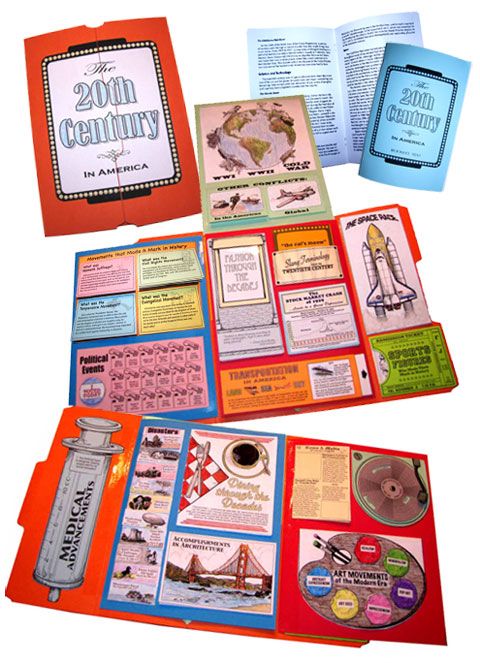
Because I thought it might be beyond the capabilities of my other three children at this time, I decided to have “The Artist” be the student this time around, deciding with him that he could “do” the Lap-Pak projects and create the lapbook, and we would, at a later time, use his finished product as an educational tool for everyone. Once he got started doing the projects, he decided that they were a lot of fun, and he was learning cool, creative things (like learning how to make a pop-up card because of one of the first few projects), and really went with it, with MUCH more enthusiasm than I’ve seen for other educational endeavors. 🙂

For this review, I received the Hand-on History Lap-Pak: The 20th Century in America as a download product. In my download were files for the following:

Booklet directions
Introduction and lists of additional resources that can be added for deeper study
Project assembly directions
Lapbook assembly directions
Reading text pages, to either print as a booklet or on 8 1/2 x 11 paper for a notebook
Lapbook project masters

The download version of Hands-on History: The 20th Century in America is available for $21.95, or you can purchase it on a CD for $22.95. Since I personally am not skilled in the art of waiting (my personal motto appears to be “instant gratification takes too long”), if I were purchasing this or any other downloadable vs. CD product for our home-schooling, I would most likely always choose the downloadable version. 🙂

This download gives you a very complete unit study, which touches on so very many important historical events, movements, topics, and/or people. You can use the lists of additional resources, and take a much longer time with this unit by “digging deeper” into each subject, or you can do the entire thing “as is”, because everything, and I do mean everything, that you need is included.

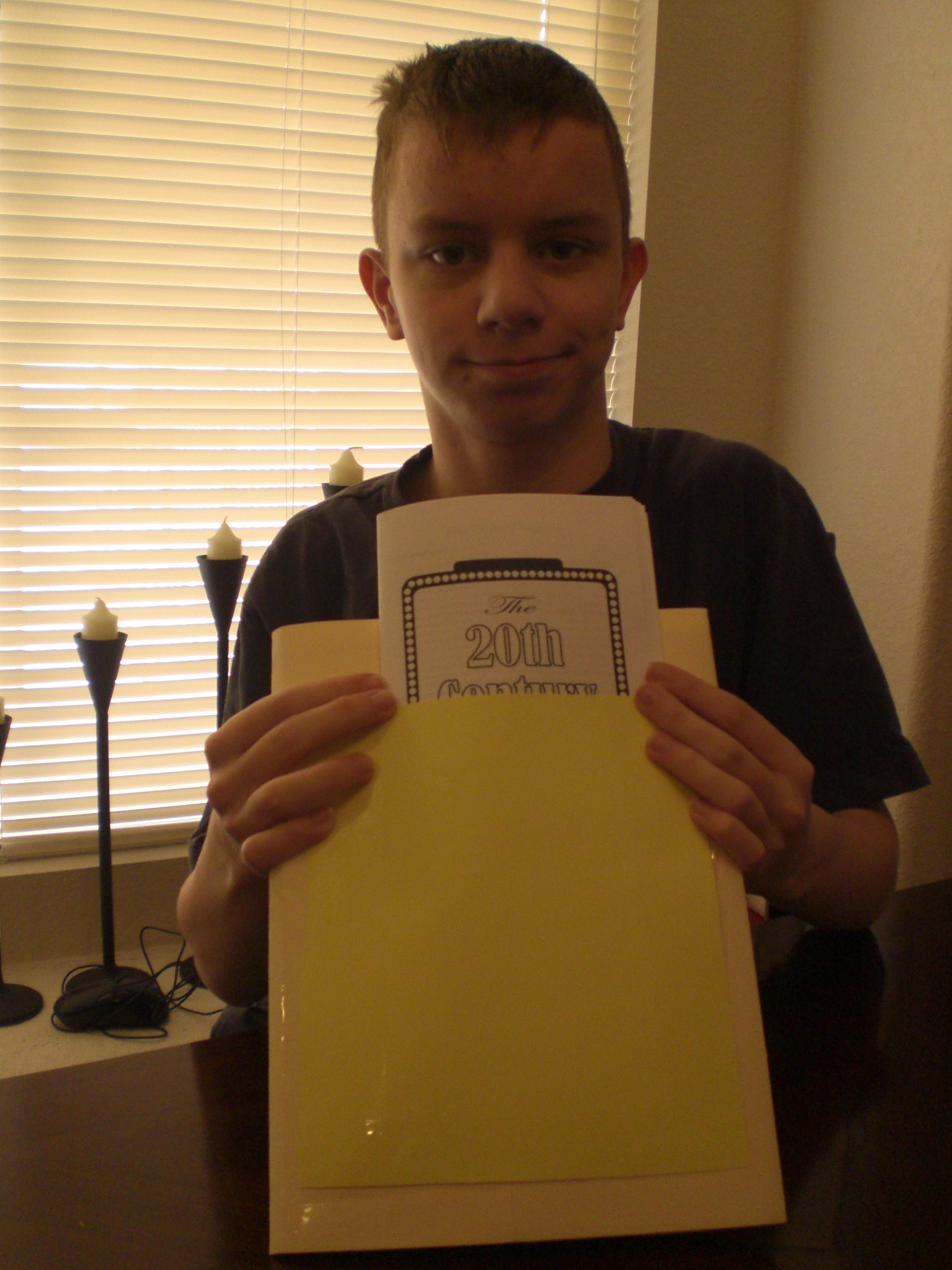
Here is our “project center”, all printed out and kept neatly in a three-ring binder and in the actual file folder we would ultimately use for the lapbook, until each page was needed (the only “extra” in the photo is the colorful booklet tucked into the binder pocket. This is a list of the missionaries supported by our church, because we decided to use it for the Modern Missionaries project) . . .

001

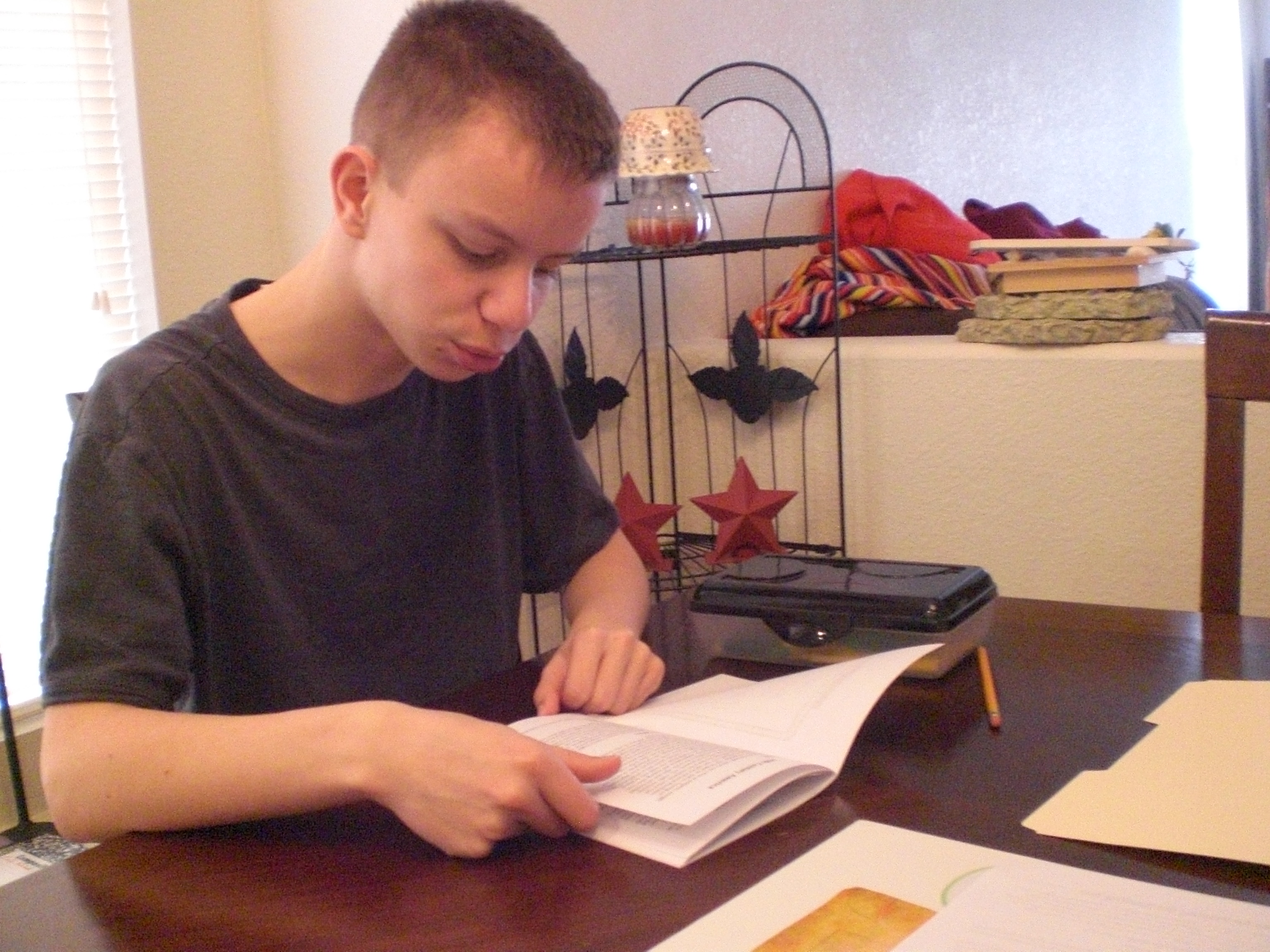
“The Artist” really enjoyed the “putting together” aspect of the projects, but often needed to be reminded to read the text first, and then to go back to the text for his research, so he would know what sort of information to write into each project. In fact, we discovered while assembling the final lapbook that he had completely skipped reading the text and writing information into the project on music, so after completely finishing the assembly, he went back and read that portion of the text, and wrote in the information needed. 🙂

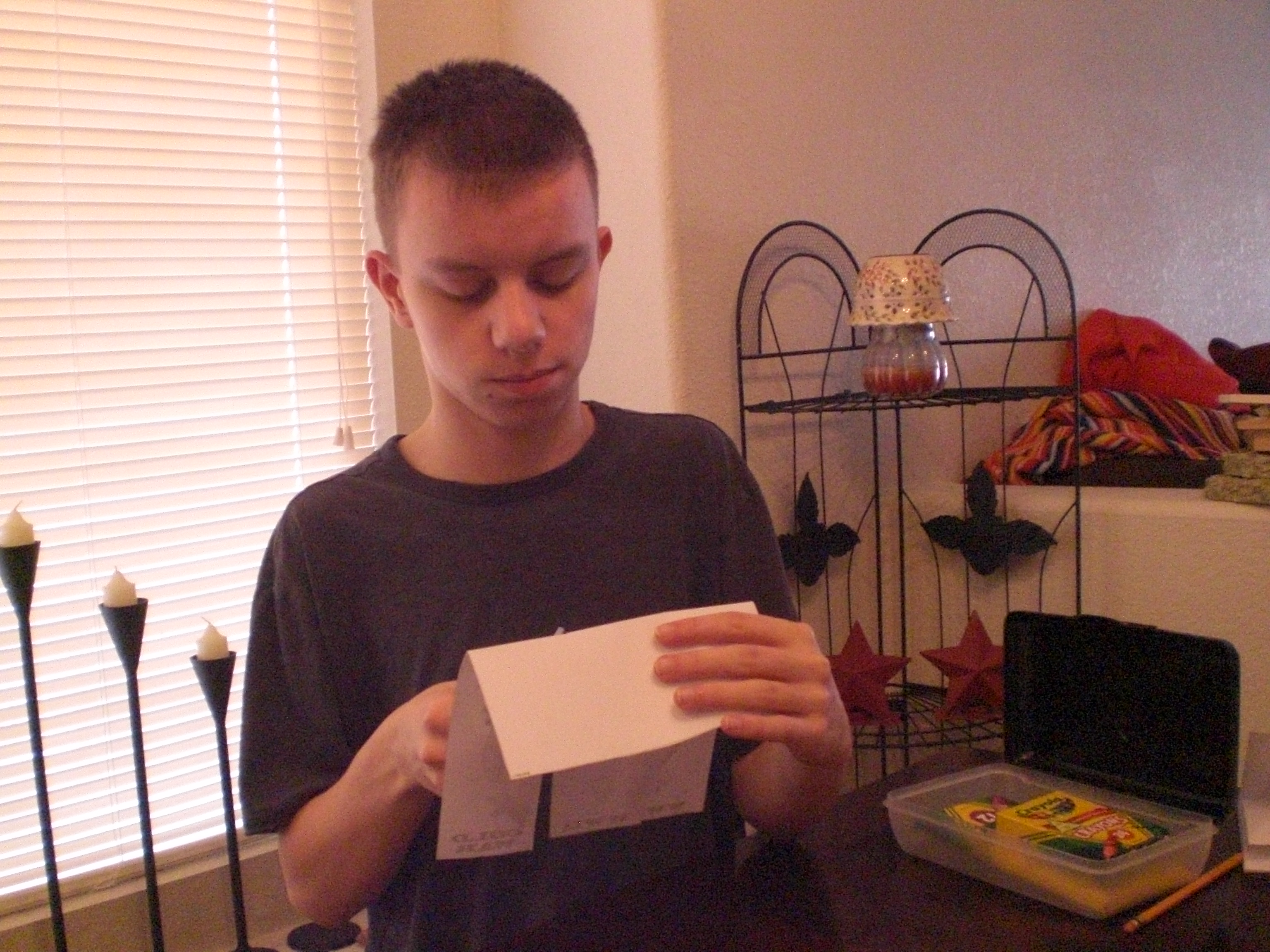
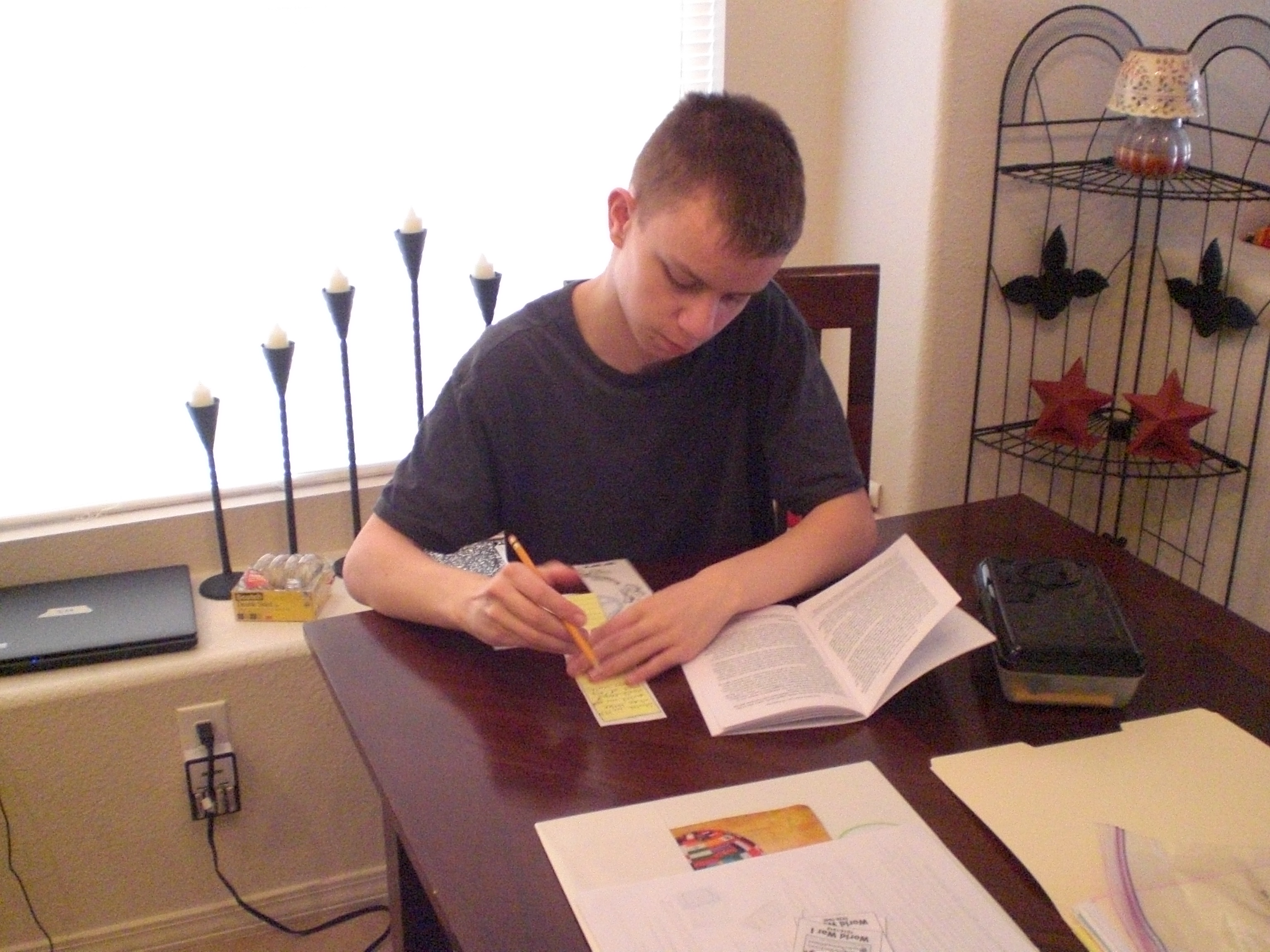
Here are some photos of “The Artist” working on individual projects for the lapbook . . .
002

003

004

007

Homeschool in the Woods review 004

And here is a photo of the completed individual projects, waiting to be put into the assembled lapbook . . .

Homeschool in the Woods review 005

Really, we liked all of the individual projects, although he had a problem with the project for “Slang Terminology”, because the pocket as printed out and assembled was not large enough to hold all of the printed cards and still be able to be adhered to the lapbook. “The Artist” worked around that by making a separate backing out of the same color of cardstock, so that there would be something to adhere! The only other issue in my opinion, was with the Modern Missionaries project. It is a beautiful little booklet when completed, but it is really beginning to bother me more and more that Christian home education companies seem to be completely disregarding the use of the 1611 King James Version of the Bible when there are Bible verses used. I’m usually having to measure the area and print out the KJV version, hoping that it won’t look like a bad patch job (which, of course, it usually does). I realize that the King James Version has fallen out of favor in a lot of circles, but there are still an awful lot of us who use it exclusively, and would appreciate having it included as an alternative option in the print outs. Other than these two things, we are VERY pleased with this lapbook, both the building of it and the completed product! “The Artist” is excited about the plan to use it later on as an educational tool, adding in the resources for “digging deeper”, and learning as much as we can from it. 🙂

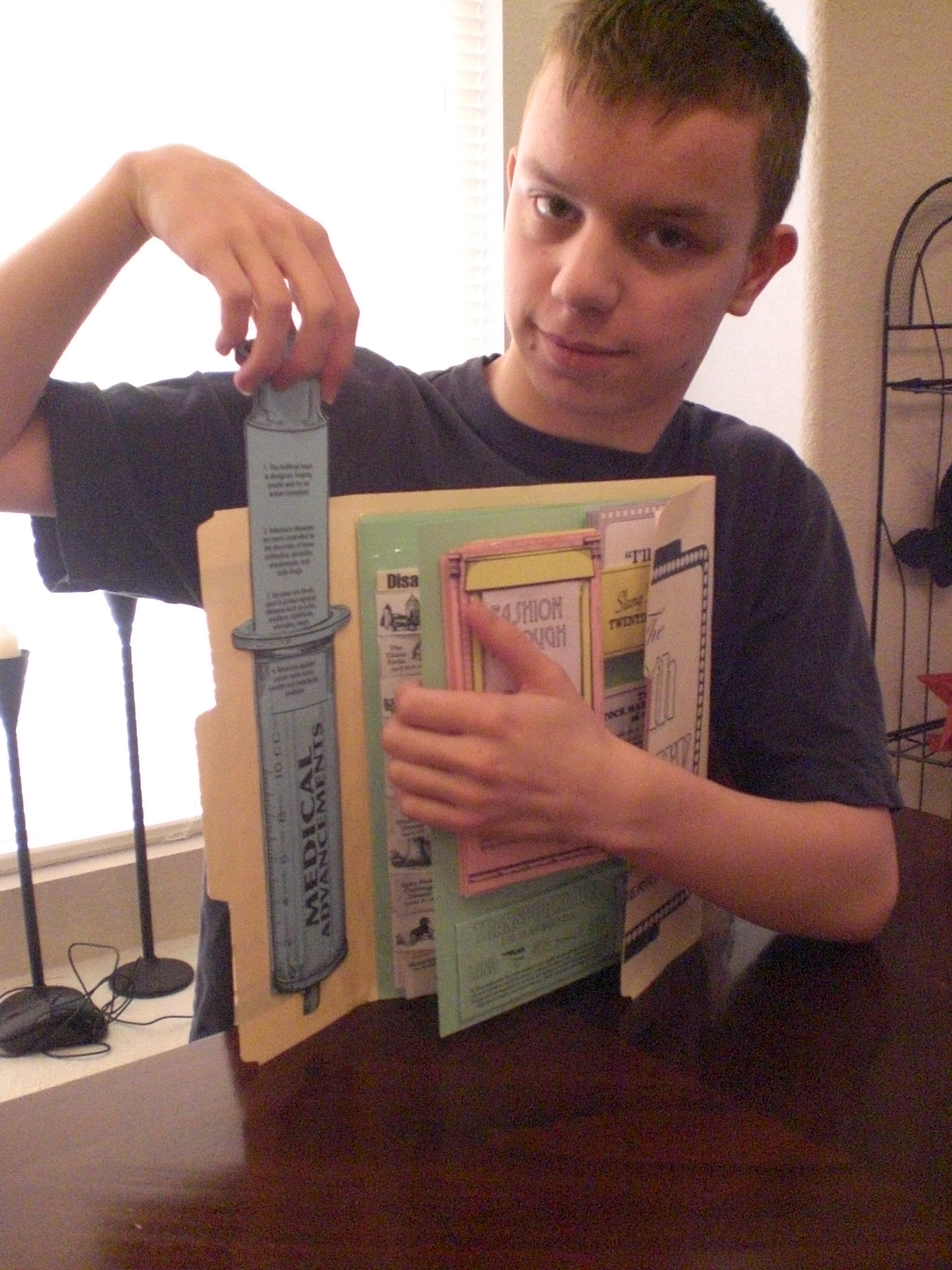
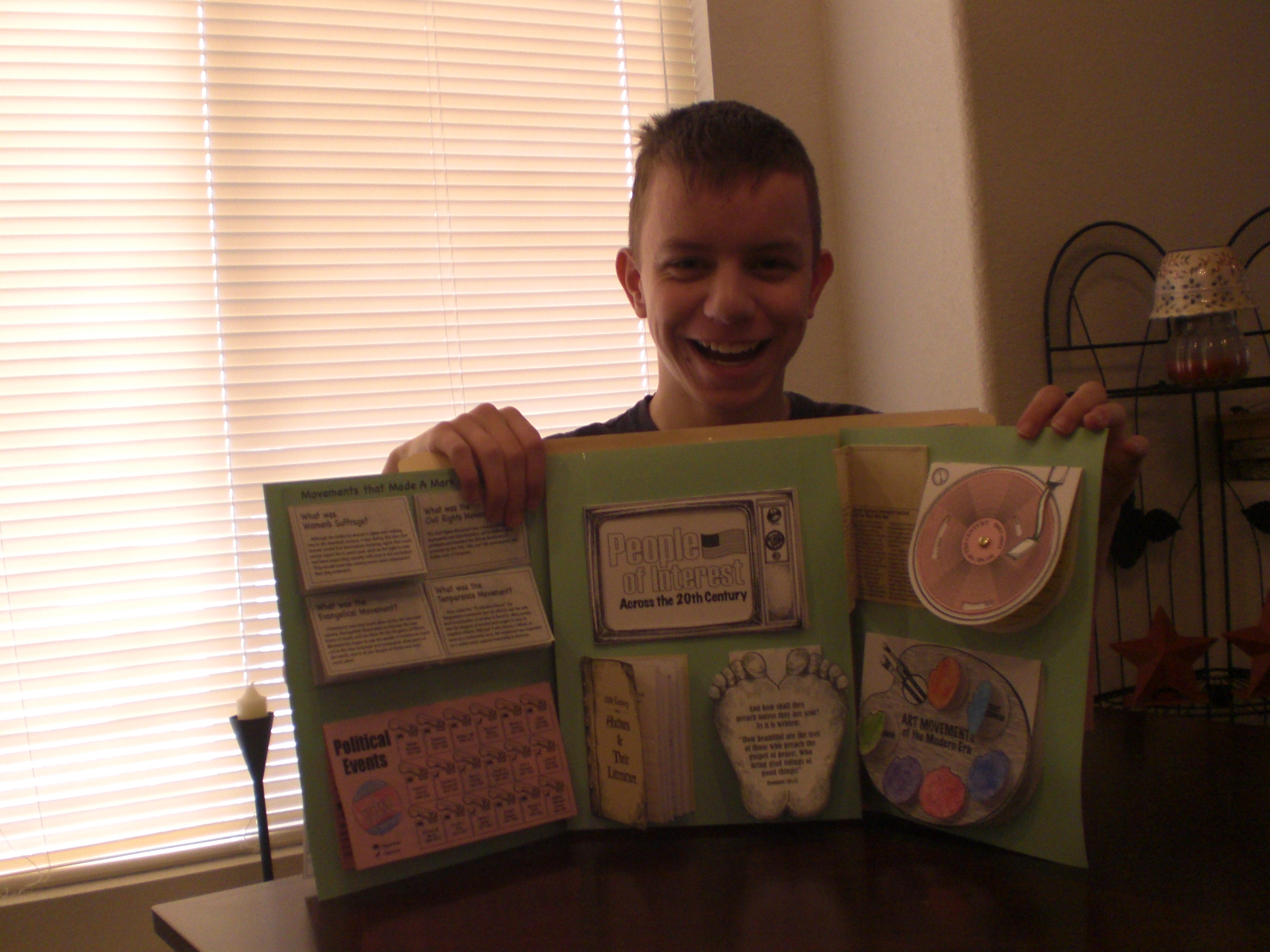
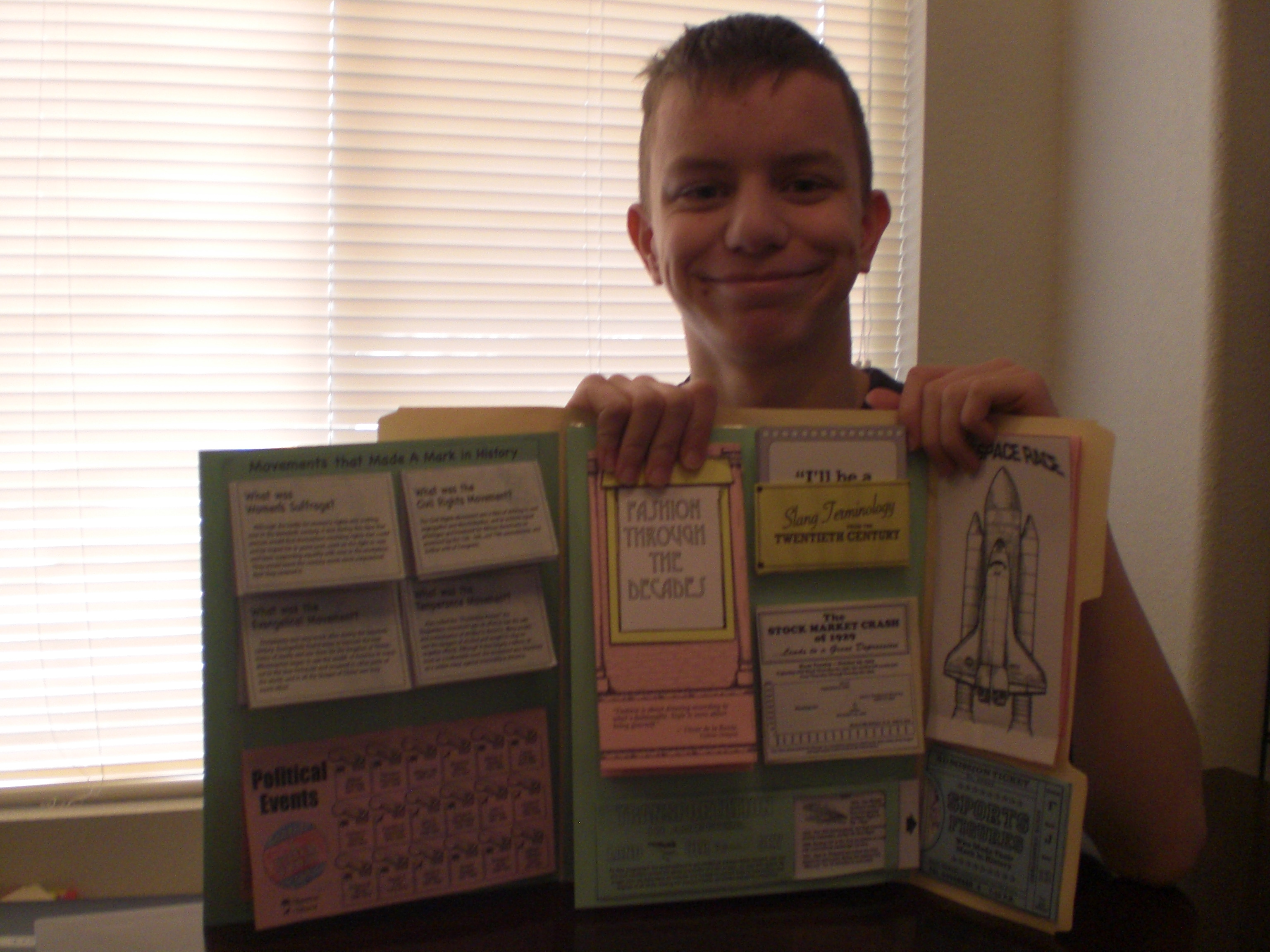
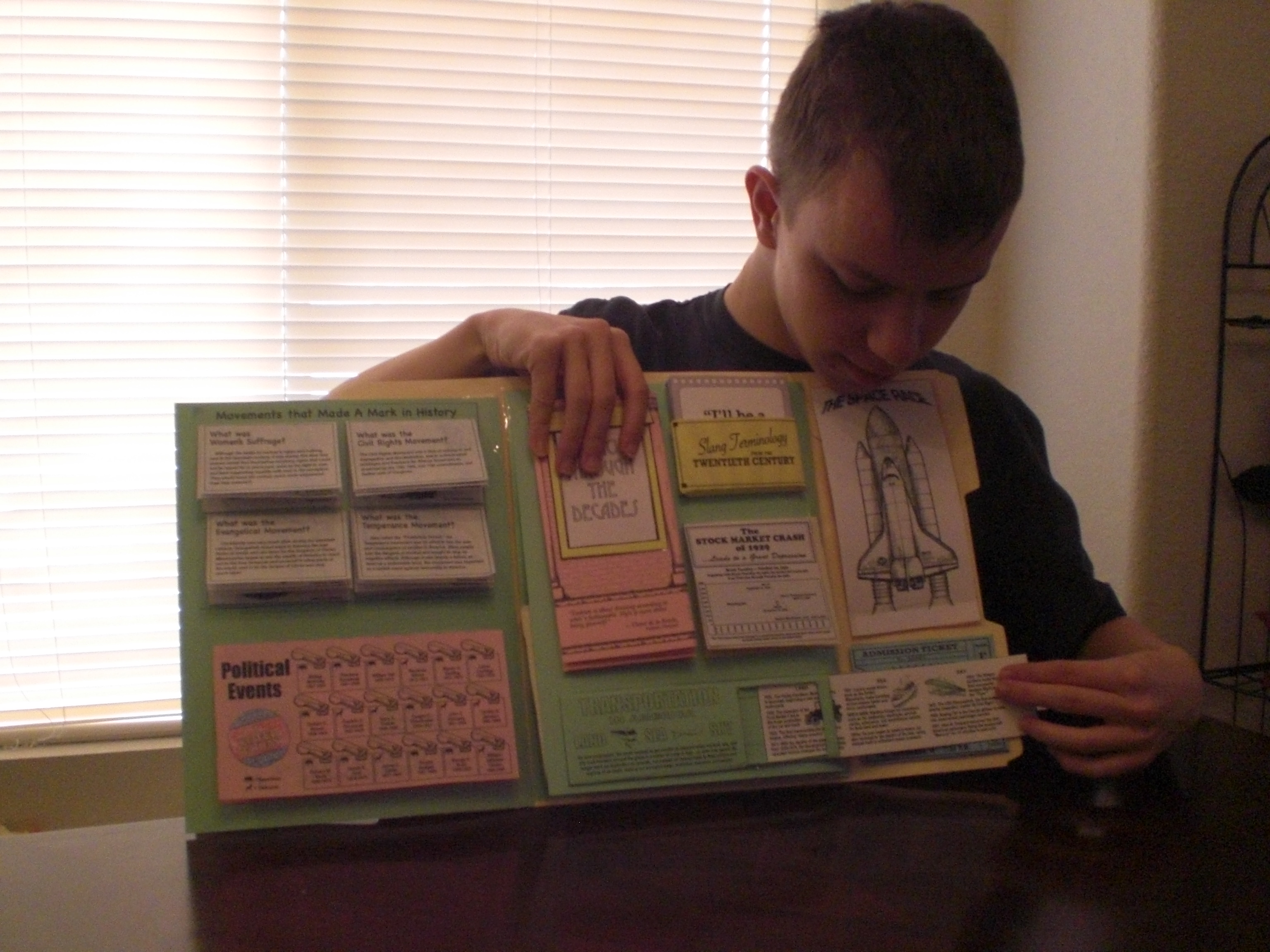
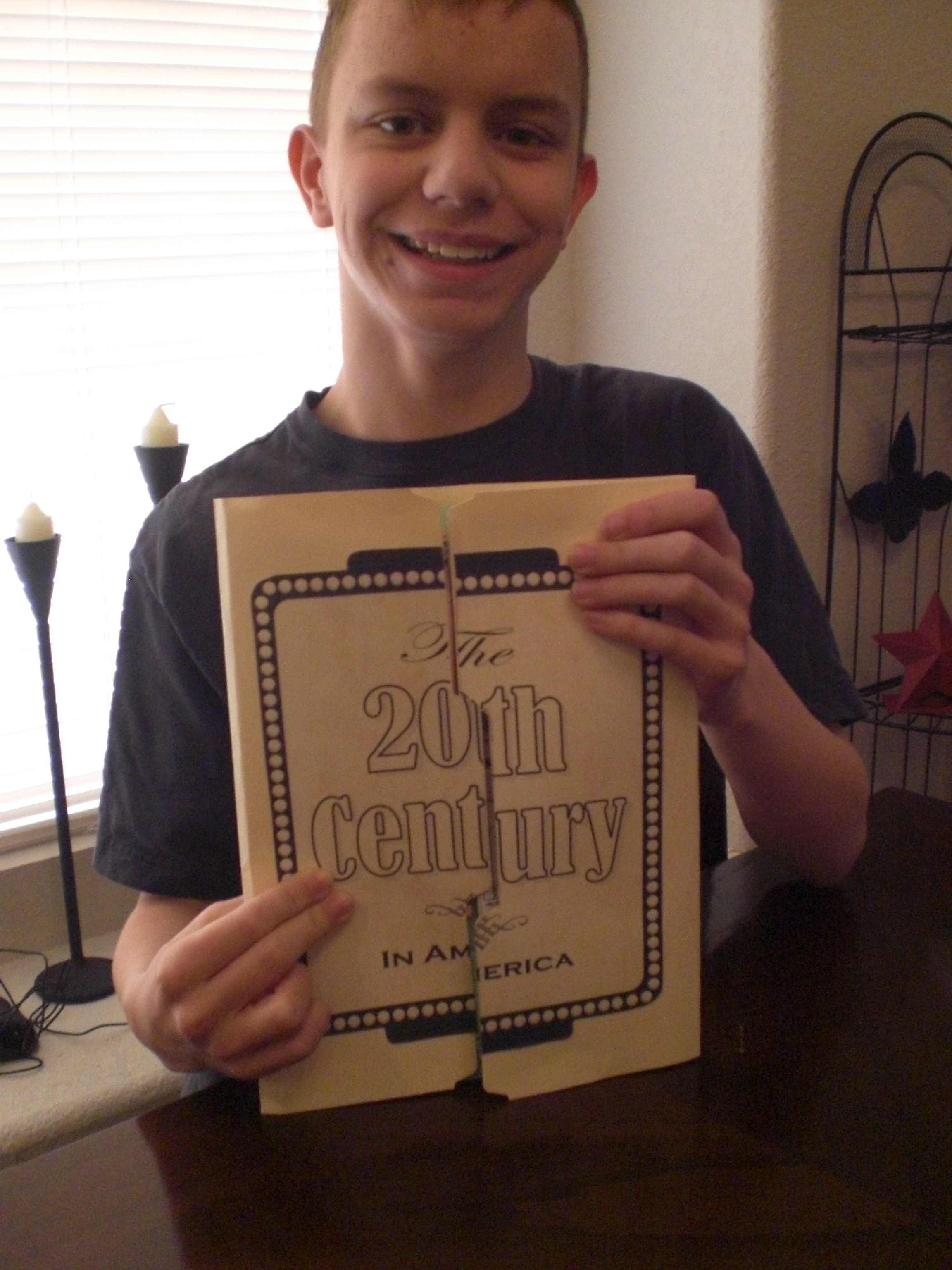
Here are photos of “The Artist” proudly showing off his completed Lap-Pak . . .
Homeschool in the Woods review 009

Homeschool in the Woods review 013

Homeschool in the Woods review 014

Homeschool in the Woods review 016

Homeschool in the Woods review 017

Homeschool in the Woods review 018

Homeschool in the Woods review 019

Homeschool in the Woods review 020

Homeschool in the Woods review 021

Homeschool in the Woods review 026

Homeschool in the Woods review 023

Homeschool in the Woods review 027

Didn’t he do a great job? After discussing it further, we’ve decided we might like to also do the Hands-on History Activity Pak: Composers, and eventually the Great Empires, because “The Artist” so enjoyed putting together the Hands-on History Lap-Pak: The 20th Century in America.

We enjoyed this product, and I think you might, as well!

To see what other Schoolhouse Review Crew members thought of this and other products from Home School in the Woods, please click below . . .

Photobucket

Leave a comment

Filed under education, History, home education, Home School In The Woods, homeschool products, homeschooling, Kids, Lapbooking, Schoolhouse Review Crew Post

Writing Fiction (In High School) by Sharon Watson . . . TOS Review

I have had the opportunity to review the Writing Fiction (In High School) curriculum from Writing With Sharon Watson over the past few weeks with “The Artist”.

banner2_zps845837ad

Because “The Artist” really likes to write stories, I thought Writing Fiction in High School would be a good fit for him, and when I told him I had the possibility of receiving it as a review product, he said he wanted me to go for it.

Of course, this all changed once the curriculum arrived, and “The Artist” actually had to begin DOING the work involved . . . lol! He started back tracking and trying to get out of it, saying he only liked to write for enjoyment, not as an assignment. Once his dad and I reminded him though, that had he not told me he WANTED me to ask for this curriculum to review, I would not have done so, he settled down and got going with it.

We have gotten almost through chapter 3 in the Writing Fiction (In High School). To complete this chapter, we needed to wait until we received the DVD “The Princess Bride” from amazon, as it is used in learning about motifs and patterns of three in writing fairy tales.

I think that “The Artist” is MAYBE beginning to see that he is learning ways to improve his writing, although we still have issues over the fact that both the curriculum (and I) have repeatedly said he must have his work typed and double spaced, with his name and the page number at the top. After having to go back and re-do things a couple of times though, I think maybe he’s getting the message. 🙂

The curriculum is laid out in fairly short lessons, with both the student and instructor being easily able to see where they end, because there are lttle boxes throughout the book with the words “End of today’s lesson” written in them.

The first three chapters (with lesson titles), which we have (almost!) completed at this time, are as follows:

1 Facts About Fiction
The Power of Fiction
A Teeny-Tiny Grammar Lesson
About This Course
Good Writers Are Good Readers
Character Verses Person
Where Do Ideas Come From
I Have an Idea, Now What?
Make Believe and Truths
Hook Your Reader
2 Point Of View
The Nitty-Gritty of Point of View, Part 1 (1st and 2nd Person)
The Nitty-Gritty of Point of View, Part 2 (3rd Person)
Decisions, Decisions
A Common Point-of-View Mistake
A Word About Filters
Critiquing
For the Reader
For the Writer
Proofreading Marks
Optional Writing for POV
3 Fairy Tales
Another Tale, Another Prince Charming (Motifs)
The Power of Three

Some of the books, short stories and other media which are needed in the different chapters:

The 1987 movie “The Princess Bride”
“The Last Book in the Universe” by Rodman Philbrick
The book of Jonah, from the Holy Bible
“A Good Man is Hard to Find” by Flannery O’Conner (the first few paragraphs, and a website is given where it can be read)
The “Iron Man” movie (2008)
“The Tell Tale Heart” bny Edgar Allen Poe (a website is given where it can be read)
The Disney/Pixar movie “WALL*E
The movie “The Island”(with Ewan McGregor and Scarlett Johansson, rated PG-13)
The movie “Cast Away” (with Tom Hanks, rated PG-13)
The Disney/Pixar movie “Up” and/or “Tangled”
The “Pat the Dog Scene” from the 1983 movie “The Fugitive” starring Harrison Ford
The two “ladder” mirror scenes in the pilot for USA Networks’s TV series “Monk” (Mr. Monk and the Candidate)
The two “carrying” mirror scenes in the 1995 movie version of Jane Austen’s “Sense and Sensibility” written by Emma Thompson

The Writing Fiction in High School is a two semester course for English credit, and there are no prerequisites needed. It is written to the student, and can be self-taught with guidance, or used within a co-op or private school.

From the website:

“Students will learn how to …

•Write engaging dialogue
•Build scenes
•Ramp up the conflict
•Create empathetic protagonists
•Select a point of view
•Describe settings and characters
•Hook their readers
•Critique themselves and other writers
•Get published
•And much, much more!”

Beginning with chapter four, the student will be using a novel, “The Last Book in the Universe” by Rodman Philbrick, which you will need to purchase separately. It is to be completely read by the time the student reaches chapter four, as tasks will begin to be assigned based on the novel. It’s actually a pretty good book, written below the student’s expected reading level, because the idea is that he or she will not have to struggle with the reading in order to dissect the writing.

As I said earlier, “The Artist” took a look at the curriculum and tried to change his mind about doing it, especially when it came to his first creative writing assignment, which was to write a story. It was to have only 26 sentences, one for each letter of the alphabet. He was told to “hook” the reader early. “The Artist” was not happy, and thought it was dumb. He also didn’t think his story was very good, but once each person he showed it to said they really liked it, he felt a lot better about what he was doing, and became more willing to do this, agreeing that he might learn things to improve his writing after all. 🙂 He has given me permission to share his A-B-C story with you, so it is copied and pasted below:

~~~~~~~~~~~~~~~~~~~~~~~~~~~~~~~~~~~~~~~~~~~~~~~~~~~~~~~~~~~~~~~~~~~~~~~~~~~~~~~~~~~~~~~~~~~~~~~~~~~~~~~~~~~~~~~~~~~~~~~~~~~~~~~~~~~~~~~~~~~~~~~~~~~~~~~~~~~~~~
“The Artist”
Page 1

An Inter-Dimensional Portal Opener was a hassle to build.

But the love of science flowed through my veins like water over a waterfall, and nothing could dampen that love.

Curiosity always kept me working through the night and through mealtimes.

Daniel is my name and I was working on an invention that would change the world.

Elisabeth, my sister, was always bugging me and never gave me any peace.

“Fun is never in your schedule!” She would always tell me, “You’ll be building that thing in your grave!”

“Go kiss a frog.” I would tell her back, “and maybe he’ll turn you into a beautiful princess that’s unlike you.”

Happiness filled me as I put the last part in place and yelled, “IT’S DONE!!!”

I turned the machine on and looked on as I saw a window to another world like my own open, “SUCCESS!!!” I yell as I take a step closer to the portal and

suddenly look on in horror.

Jolts of energy flew out from the machine and began to pull my whole lab into it.

“Kangaroo feet.” I said as I’m pulled into the portal as well.

Light shines into my eyes as I wake up and look around a while after I hit the ground.

Much of my lab equipment was scattered around on the ground and some of it was broken into lots of little pieces.

“Nuts.” I say as I get off the ground, “Stuck on an uncharted dimension and I don’t have a way back home!”

“The Artist”
Page 2

Orange trees were on my left.

Peach trees were behind me.

Quails were running around and pecking at the grass.

Running over to the nearest orange tree; I plucked one of the fresh fruits from its branches and eat it.

Sunlight was dimming and I needed to build shelter fast.

Two hours later I had built a tree house and was sleeping soundly.

Until…I heard a rustling in the trees nearby, I looked out the window to see what it was.

Vultures wearing violet vests and playing the violin.

Wonder why they were wearing vests and playing the violin?

Xavier, my friend, would most likely say, “No idea.”

Years later I returned to my own dimension when I was near one-hundred and two, only to see…

Zebras eating my mom’s front lawn!

~~~~~~~~~~~~~~~~~~~~~~~~~~~~~~~~~~~~~~~~~~~~~~~~~~~~~~~~~~~~~~~~~~~~~~~~~~~~~~~~~~~~~~~~~~~~~~~~~~~~~~~~~~~~~~~~~~~~~~~~~~~~~~~~~~~~~~~~~~~~~~~~~~~~~~~~~~~~~

Now, *I* think he did a pretty good job, especially since this was one of his first assignments, and he really didn’t agonize over it, spending a huge amount of time writing! 🙂

The textbook, “Writing Fiction [In High School] is available here for $25.05, and contains “practical lessons, approximately 100 interesting assignments, and hundreds of age appropriate fiction examples from classics to recent novels”.

The student book is non-consumable, so it can be used again with subsequent children as they reach the grade level and ability for this curriculum.

The teacher’s guide is quite useful, and if you’re going to use this curriculum I do recommend that you also purchase the guide, available for $9.95.

From the website:

Writing Fiction [in High School]: Teacher’s Guide

•Crammed with teaching ideas and discussion starters
•Contains answer key for questions and assignments such as identifying the hero’s journey phases in the Disney movie Tangled
•Equips you to be as involved as you care to be

Really, for the combined cost of $35.00, plus the cost of the paperback novel “The Last Book in the Universe, by Rodman Philbrick”, which I purchased for $6.99 (minus my educator discount) at Barnes and Noble, I believe you’re getting a very good deal on a two semester credit course for English, if you need to keep those kind of records in your home-school.

I plan to continue using this with “The Artist”, and perhaps catch up to where he is, and do it along with him, as I enjoy writing, too.

Other crew members reviewed either this or Writing Non Fiction in high school. To see what their opinions are, please click below.

Photobucket

4 Comments

Filed under home education, homeschool products, homeschooling, Schoolhouse Review Crew Post, Sharon Watson, writing fiction

Math Rider . . . TOS Review

Oh, my twins, “Mr. Loquacious” and “The Puzzler” have REALLY been enjoying “doing math” for the past few weeks! They have been playing a very cool computer game called Math Rider, which we have been reviewing for the Schoolhouse Review Crew.

mathriderlogo_zps7d664106

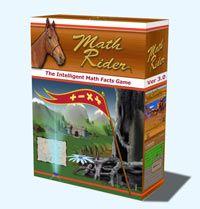
Math Rider is a computer game which drills all four basic operations (addition, subtraction, multiplication and division) while the player goes on various quests, with his or her trusty horse, Shadow.

Because it drills the four basic operations, and because it can be set so that the child must begin at the beginning and move on upon mastery, I feel this game would be good for even grade K and up, although the Math Rider FAQ says it’s designed for grade 2 through grade 6.

Math Rider can be played on either Windows or MAC . . . complete system requirements are listed here.

Math Rider allows up to eight players, each with their own log in, per license.

The game is personalized, in that it adjusts for each player, recognizing where the student is having trouble, and working those problems back into play until they are mastered. It “learns” what the rider knows, as well as what he or she still needs work on, so that it then asks the right question for that particular rider. It is not just a random facts generator. Each separate player has his or her every answer stored and analyzed by the software, so each rider’s experience with Math Rider will be his or her own.

A lot of computer games, even educational games, are (in my opinion) ruined for the child by the difficult controls. You miss aim something, it doesn’t matter if you knew the answer, you don’t get the point or the credit toward a win. In Math Rider, this is not the case. If you can type in the correct number, you win. The creators of this game felt no need to incorporate hand eye coordination as a necessary component into a math game.

If the student needs help with a question, he or she can click on it, which will bring up more information, including a visual representation of that question. I do like that.

Here is a quote from the creator of the game:

“An Intelligent Math Facts Game Created from Personal Need

I originally created MathRider out of personal need, because my kids were failing math badly at school, and I was desperately trying to help them.

I was unable to find good math games that really worked for my kids. So I eventually took matters into my own hands and created my own math training game.

After a while, teachers, friends and neighbours started noticing the improvement in my children. I engaged a team of experts, including teachers, psychologists and school principals, and now, about two years and many improvements later, we have MathRider in its current version: 3.10.”

I don’t care for the magical aspects of the game. It does involve a lot of searching for magical flowers, elves, sorcerers and the like. If this is an issue for you, or your children are too young to have any Biblical discernment regarding these things, you may not care for it, but I felt the benefits of the drill in Math Rider gives us an incentive to discuss with our kids why we don’t believe in these things.

You can purchase Math Rider for only $47.00, which will give you a 30 day risk free guarantee, plus free updates for life.

Here is a video from the Math Rider Website, to show you a little bit about this game in action . . .

My twins, especially “The Puzzler”, ask every single day, sometimes several times, to have the laptop started up so that they can “do Math Rider“. I mean, really, how often do your kids ASK to do something math related? I certainly never did! 🙂

Here is “Mr. Loquacious” playing Math Rider . . .

Math Rider Review 002

And here is “The Puzzler” taking his turn . . .

008

Overall, I do think this is an excellent game for learning the four basic operations, but I also wish there would be a version without all of the magic elements. I know that is not a popular view these days, but it is mine. I will let “Mr. Loquacious” and “The Puzzler” continue with it while we have it, because they ARE learning, but we will continue to discuss the magical elements, and our reasons for not believing in them.

To see what other Schoolhouse Review Crew Members thought of Math Rider, please click the graphic below!

Photobucket

1 Comment

Filed under education, home education, homeschool products, homeschooling, Kids, Schoolhouse Review Crew Post

Sacagawea (Brave Explorers Every Child Should Know) . . . A TOS Review

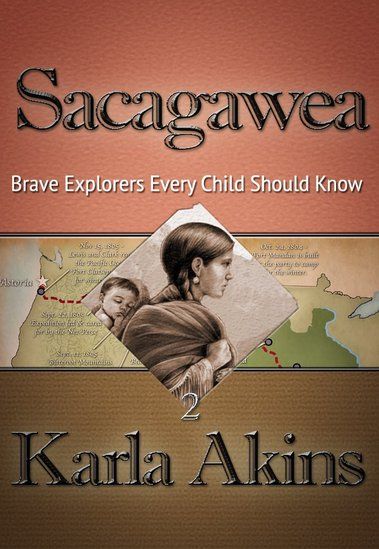
For the past several weeks, my children have been enjoying a wonderful read aloud using Sacagawea (Brave Explorers Every Child Should Know), by Karla Akins, published by Knowledge Quest.

This is our first experience with this company, but I doubt it will be our last! Knowledge Quest is well-known for a wealth of geography and history materials, but I didn’t know they also had published e-books such as the one my children have just completed.

Sacagawea (Brave Explorers Every Child Should Know) would be an excellent book in and of itself, but the way Knowledge Quest has published it goes beyond just giving us a book. This is an interactive book, so it has links all through the story. It is available from Amazon.com for $4.97.

Sacagawea (Brave Explorers Every Child Should Know) is a very well written book, in which we learned a lot more than we ever knew about Sacagawea. We also gained more information about the Lewis and Clark Expedition as a result of reading this book, and plan to go back and add in a free CD unit study about that expedition which I have had for a few years, and simply had not yet gotten around to using.

This book is written for children age 10 and above. My kids are above age 10, but they (most of them, anyway) really liked it. In the case of “The Batman”, he was frequently wanting to be done with it for the day so he could go back to something that interested him more, but he’s all about his sports cards, Nintendo 3DS, and the Hardy Boys series right now . . . )

In the book, Sacagawea is telling the story to her son, Pompey, although at times, it seems as though it switches to a different perspective. For example, sometimes, instead of speaking TO her son, it’s as if she is telling the story about Pompey to someone else.

Most people likely know the basics of Sacagawea’s story, she was stolen away from her Shoshone tribe, and taken to be with the Mandan Tribe. She was given to a trader as his wife, and eventually went as a translator and guide on the Lewis and Clark Expedition. We found out a lot in the story about her relationship with her son, and her relationship with her husband, as he treated her like one of his belongings. I believe, through hearing my kids reading this book, that Sacagawea got to learn what it was like to be treated with respect when she went on the expedition with Lewis and Clark. It was amazing though, how much more detail we were able to get from this e-book, and the interactive links! Although the author did have to take literary license in order to create dialog, it is still a very educational read. It is what many who teach with the Charlotte Mason method would call a “living book”.

I asked “The Artist” to read this book out loud to the other three boys, which at first, although “Mr. Loquacious” and “The Puzzler” were into it, “The Batman” was definitely NOT. Until, that is, they started seeing the links in the story. When there was a link, “The Artist” would click on it, taking them out of the e-book to see a picture, or a description of what was being talked about in the story, or sometimes, it would simply be more information about the person being referred to in that part of the story. THAT perked up “The Batman’s” interest, he seemed to enjoy it when they got “more to the story” that way.

My kids thought the description in chapter 15, where the men were jumping from the cold river to the hot springs, and back again over and over, was really funny, and went to look at the link. Another one that they were really excited about was when “Man With Red Hair” (Clark) did the following: “On the side of the rock he wrote his name beside other pictures drawn by the ancient ones“. They were so excited, they called me to the table to see, because we have been to the National Petroglyph Monument Park, here in New Mexico.

I myself found the following note by the author, at the end of the book, to be of great interest, as I did wonder about the different spelling of Sacagawea’s name, different from the one I grew up seeing:

“Some may wonder why I have chosen to spell her name with a “g” instead of a “j.” One reason is because that is the way it was spelled in the Corps’ journals. Another reason is because that is how it was pronounced when Captains Lewis and Clark met her. Her name in Hidatsa language means “bird woman.”
The “j” spelling occurred after the editor of the 1814 narrative of the journals, Nicholas Biddle, transcribed it as a “j” instead of a “g.” No one knows why. He had never met Sacagawea and therefore did not know that she herself pronounced her name with the hard “g” sound in the middle.
While some historians have tried to prove that the “j” in the name is a Shoshone word meaning “boat pusher,” Dr. Sven Liljeblad, professor of linguistics, emeritus, at Idaho State University in Pocatello, analyzed the word “Sacajawea” and concluded that “it is unlikely that Sacajawea is a Shoshoni word….The term for ‘boat’ in Shoshoni is saiki, but the rest of the alleged compound would be incomprehensible to a native speaker of Shoshoni.”

Here is a video of “The Artist” reading from Sacagawea (Brave Explorers Every Child Should Know)

Overall, we really liked the interactive e-book Sacagawea (Brave Explorers Every Child Should Know), finding it to be a fun way of being educated further about Sacagawea, Lewis and Clark, and the time in which they lived. We think that Knowledge Quest is a company that is well worth exploring for our future home-school endeavors!

Many of the crew members reviewed this e-book, while others reviewed the Timeline Builder App, also from Knowledge Quest. Please, click below to find out what they all thought, too!

Photobucket

1 Comment

Filed under education, home education, homeschool products, homeschooling, Kids, Schoolhouse Review Crew Post, Uncategorized

Supercharged Science . . . TOS Review
When I was given the opportunity to review the e-science program from Supercharged Science, I was both excited, and nervous. I have NEVER really been much of a “science geek”, and so I’ve always wondered if I was short-changing my kids in some way, or even creating a science phobia in them.

science_zps3636642f

With e science, Aurora Lipper has created a fun, exciting way to get kids (and their science phobic moms!) right in there actually DOING science! 🙂 When I told my kids about Aurora, especially when I told them she was a “real” rocket scientist, they all exclaimed “Just like Mrs. J.”! (Mrs. J. just so happens to be my very best friend, and did, in fact, work as a rocket scientist. :-)) But, I digress . . .

Back to Aurora, who has worked at NASA, taught mechanical engineering at Cal Poly, flew airplanes, launched rockets, and help design engines for a very special F-15.

escience-full-600px_zps738b5d59

While teaching at the university, Aurora came to realize how bored the students appeared to be, and decided to look at how science was being taught to kids. At that point, she thought that if she were being taught that way, she would be bored, too, and eventually, Supercharged Science was the company she created, in order to get e-science out there and make science FUN!

The first thing I did, when I received my log in information, was to go on the site and just start exploring. This would be when I REALLY began to get nervous! There is SO much content, it was really hard to decide where to begin. Of course, I wanted to begin with something basic, so since my kids and I have never really done much formal science, we began with learning the scientific method.

First, we watched the video in which Aurora walked us through all the steps of the scientific method by just doing it so we could really see it in action.

012

After that, my kids really, really wanted to do an experiment, so we decided we were now confident enough to move on to the “scientific method experiment” section of the web site. Here, we found a very cool experiment called “Underwater Presidents“. The idea is to use the scientific method in this (and every experiment), to do the following:

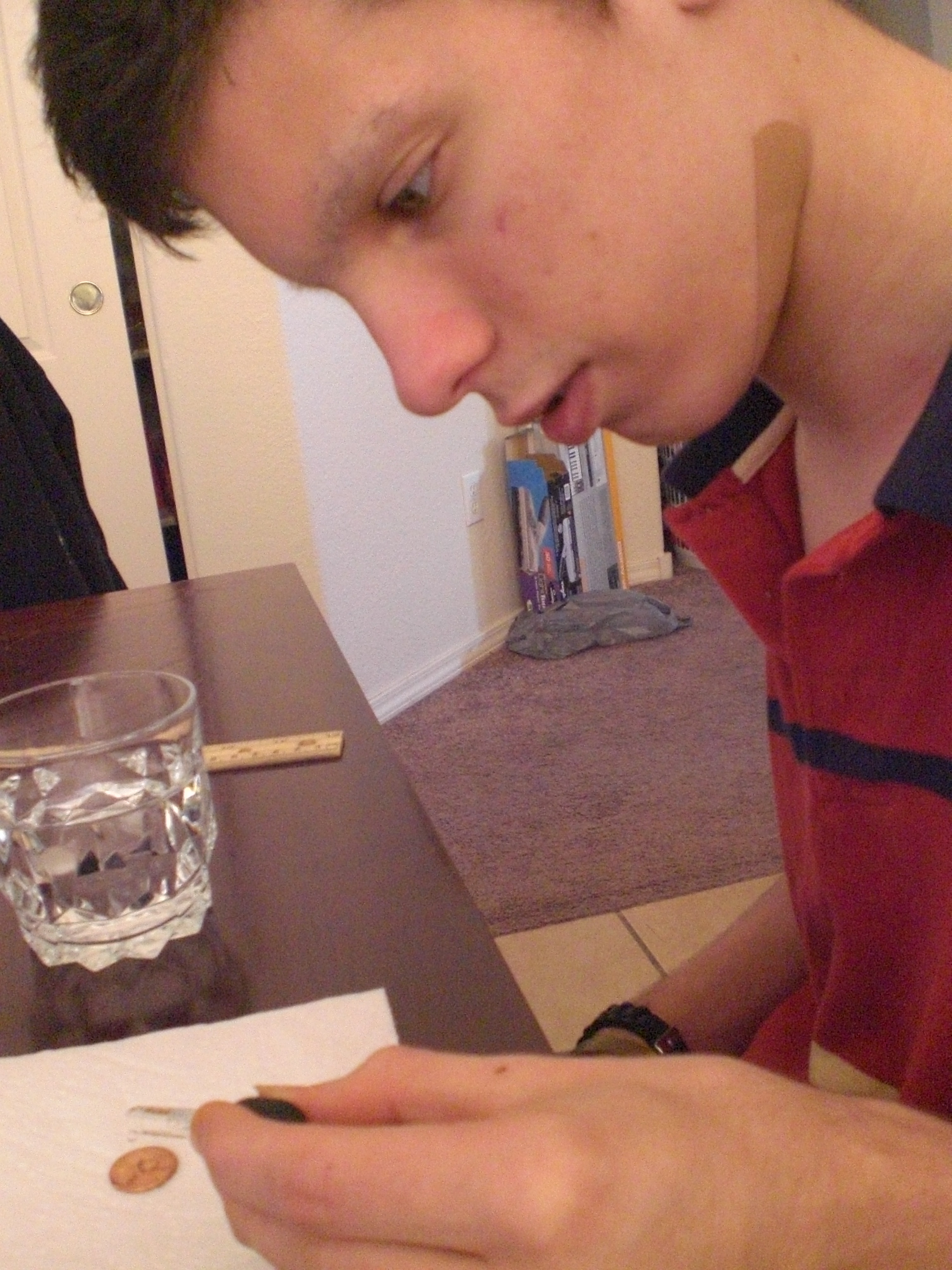
1. Observe: look at the penny. How big is it? is it clean, dirty, in between? is it heads or tails? Basically, we wrote down in our notebook the size of the penny (yes, we actually measured the diameter, LOL), we wrote that it was relatively clean, and that we were using it heads up.

2. Make our hypothesis: here, we each made a guess as to how many drops of water we could put on the penny, before it would overflow. Our guesses were, “The Batman” – 20, “The Artist” – 35, “Mr. Loquacious” – 24, “The Puzzler” – 15, and Mom – 10.

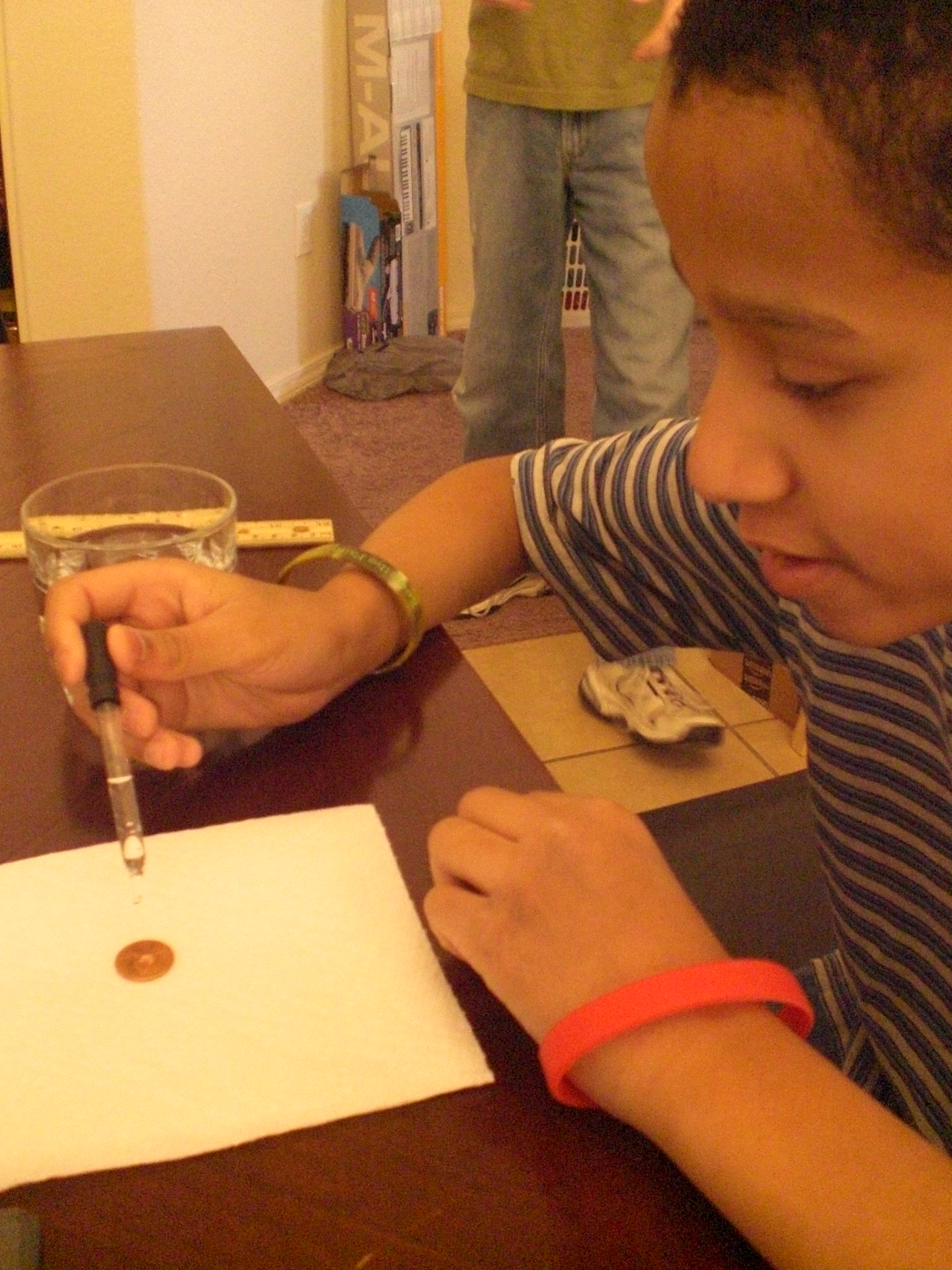
3. Conduct our test (experiment): we each had a turn with the medicine dropper, to see how many drops we could put on the penny before it would overflow.

4. Collect our data: we kept careful count, drop by drop, on each person’s turn, writing them down beside each person’s name. Then, we added all the totals together, and divided that number by five (because that’s how many tests we did) to arrive at our average amount of drops on the penny before it overflowed.

5. Report the results: Here is where we wrote in our notebook what happened. In test 1, I had my turn, and got 18 drops on the penny before it overflowed. In test 2, “The Artist” beat me out by getting 33 drops to stay on the penny. “The Batman” did test 3, and he managed to get 29 drops to stay put. “Mr. Loquacious” got 18 drops in test 4, and “The Puzzler” got 25 drops in test 5. We added them together, for a total of 123 drops, and then divided that by five, the number of tests we conducted. Our average came out to 24.6 drops which stayed on the penny before the next drop would overflow.

“The Puzzler . . . conducting his Underwater Presidents test . . .

007

Here is “Mr. Loquacious”, doing his test . . .

005

“The Batman” is putting drops of water onto his penny . . .

003

And finally, “The Artist” is seeing how many HE can get on there!

002

OK, so now, we were getting a little more confident, and my kids were wanting to get moving on to “more real experiments, Mom”! So, it was time to decide what unit we were going to work in.

After looking over the abundance of topics provided, we chose to go with Unit 3, which is “Matter”. I’m going to be quite honest here, and admit to you that the primary reason I chose this unit for us to begin with is that we already had about half of the required materials in our house, and the remaining supplies were extremely easy to find with one quick stop at Wal-Mart. In fact, if I had more time the day I went out, I probably could have gotten many of the supplies at the dollar store. The other reason for my choice was simply this, it all looked so interesting, and when I was reading to them what kinds of things we would be doing, my kids thought it was a cool unit to go with, as well.

In unit 3, “Matter“, we first watched a seven and a half-minute long video in which Aurora gave us information about the different forms of matter. After that, we were ready to jump in and DO STUFF!

Here are just SOME of the cool experiments that we did in this unit (we will be completing as many of the remainder as we can get the supplies for, as we find time to fit them in around other studies):

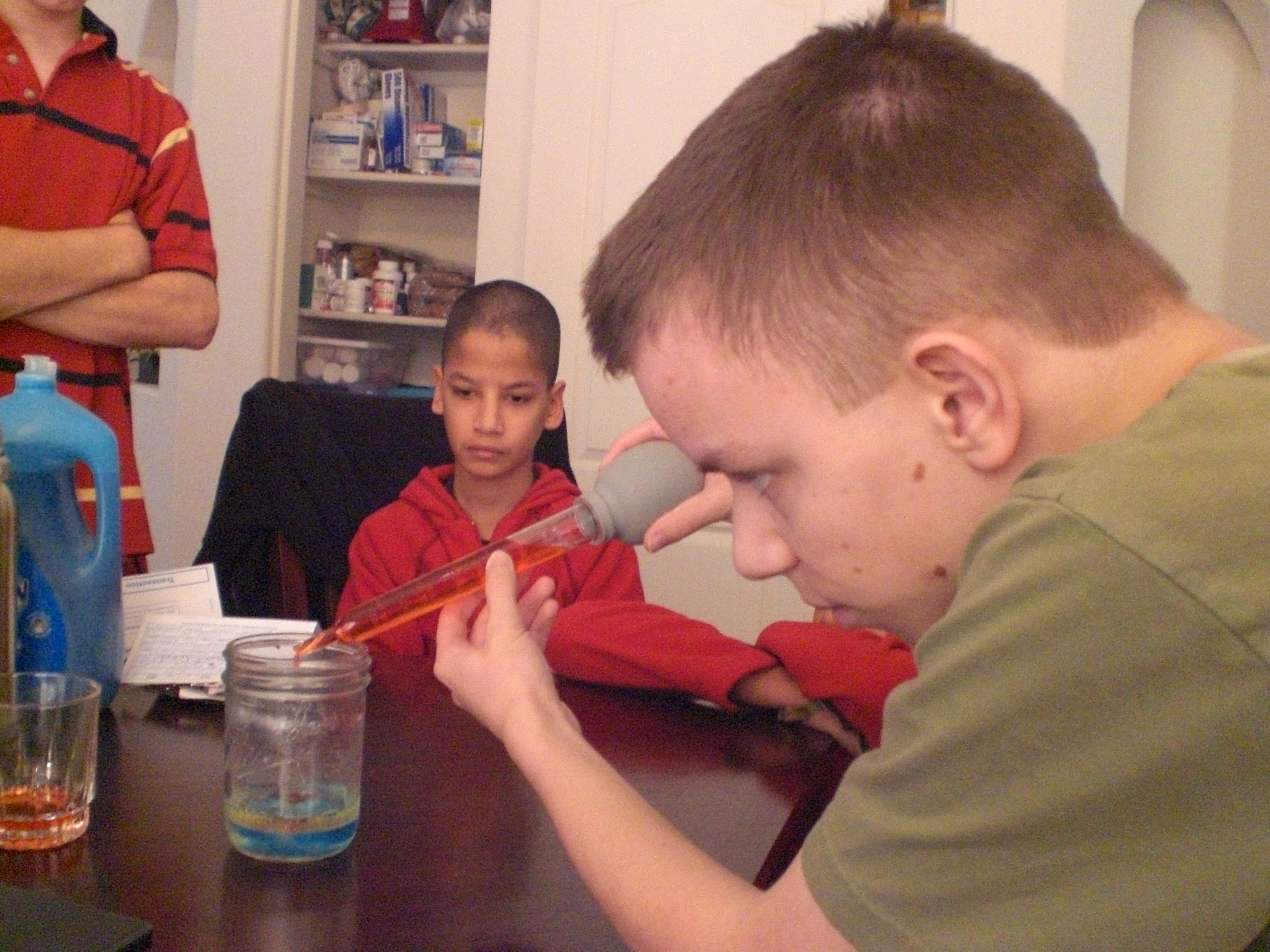
We made a density jar . . .

021

022

020

019

032

We turned this:

034

into this . . .

035

047

046

045

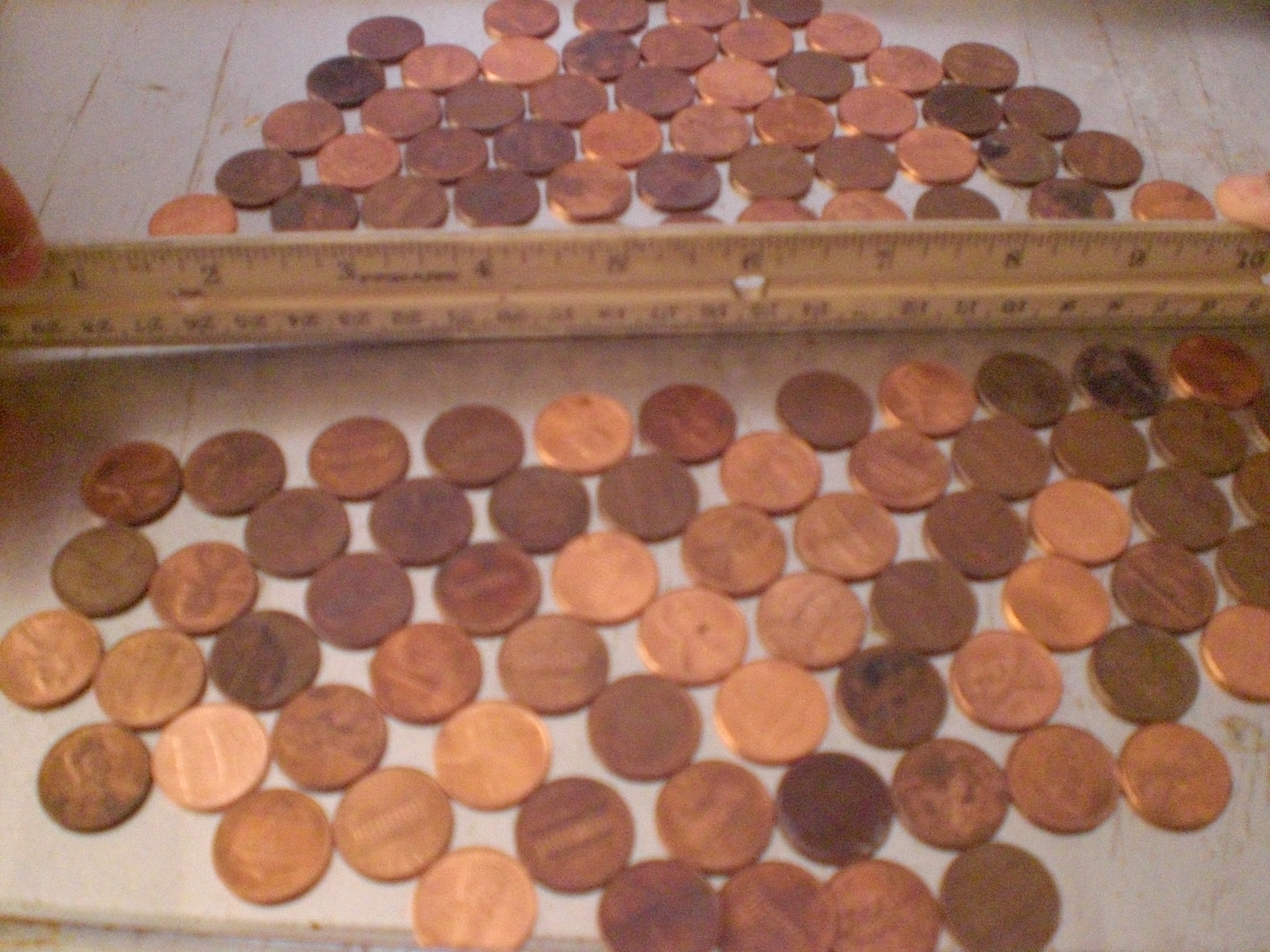
We created a penny crystal structure . . .

039

040

042

043

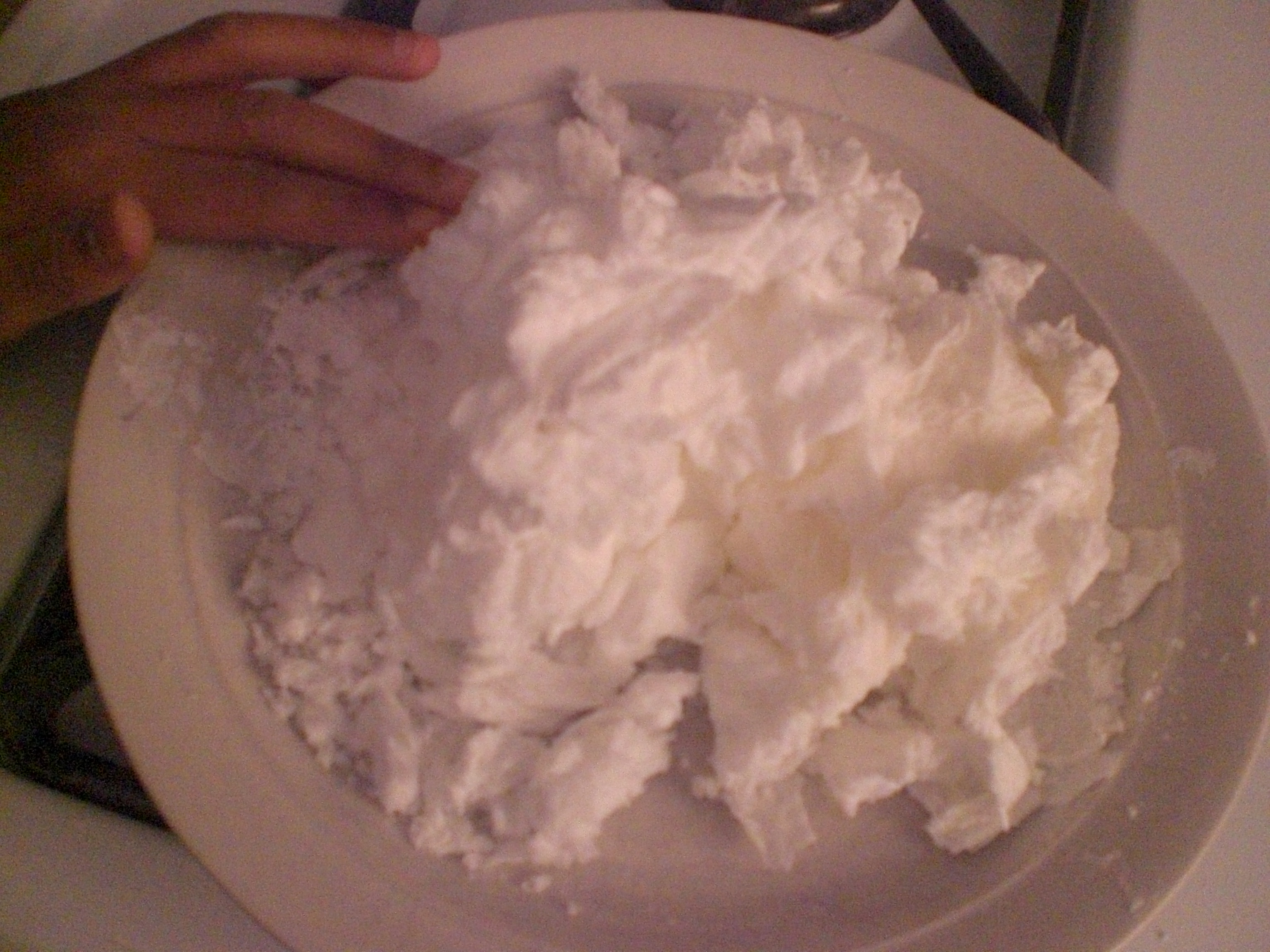
And we grew some laundry soap crystals!

054

We also made plasma gas. I was not able to get a good video of OUR experiment, so here is one of Aurora doing it . . .

As you can see, we found so much to keep us interested in science! We will continue using e-science on the Supercharged Science web site for the next year, and I can see already that just doing this we will learn so much!

As a reviewer, I was given access to everything all at once, specifically so that we could choose which portion we would use during the review period. When you subscribe to e science, you will receive immediate access to the first seven units, along with units such as “The Scientific Method“. Each month after that, you’ll get one or two more units, but if there is a unit you want that hasn’t yet been opened to you, all you need to do is send an email requesting it, because Aurora wants you to be able to follow your interests, or to be able to use a unit which goes along with what you are currently studying.

This program is great for homeschooling families, particularly if you have multiple children.

If you want to use e-science along side another home school curriculum, there is a conversion chart on the website to show you what to use, when.

If you go here, and scroll down, you will see another chart giving you a comparison of e-science to 13 home school curriculum providers that charge more, and still don’t include everything the e-science program gives you.

If this is important to you, e-science aligns with most state standards.

One thing that is important to me is whether or not a science curriculum covers evolution. As a Christian, I prefer that it not. From the website . . .

“The e-science program does not cover creation or evolution so all families may participate with our program. We focus on how to build the robot, take data and measurements, work a microscope, launch the rocket, why a laser works…basically sticking to the physics of what’s going on and how to build the projects. Of course, you can always add to it in any way you see fit. Our curriculum is fully compatible with any religious perspective and has been used by thousands of Christian, secular, and others”.

The only down-side I can see is the price. I think it’s a wonderful program, and I hope my family can continue to use it after our review membership is over, but I think many homeschooling families will be priced out of using e-science. Most homeschooling families are one income families, and on pretty tight budgets. It would be nice if a substantial discount were offered for paying a whole year at once.

We reviewed the K – 8 section of e-science. The e-Science K-8 Membership (Standard) is available for $37.00 per month. If you would prefer to go with the e-Science 9-12 & Advanced 5-8 grade plus K-8 Membership (Premium), you can get that for $57.00 per month. You can try it for one month, with a full money-back guarantee.

There is a free sample offered for you on the Supercharged Science website.

Overall, I think this is an awesome program, and Aurora Lipper does a fantastic job of getting kids AND parents involved and excited about what they are doing.

Some crew members reviewed grades K – 8 of Supercharged Science, while others reviewed grades 9 – 12. Sail on over to see what they all thought of his program!
Photobucket

disclaimer

35 Comments

Filed under Christian faith, education, family, home education, homeschool products, homeschooling, Kids, Schoolhouse Review Crew Post

Computer Science For Kids . . . TOS Review

We’ve grudgingly admitted recently that, as part of their continuing education in today’s electronic world, we’re going to have to teach our kids how to do more with a computer than just hit the power button and push the mouse around. My husband is the techie of the family, but his last computer programming class was 25 years ago. While we were considering what route to take to show our kids just how those games they play are actually made, we received the opportunity to review Computer Bible Games for Microsoft Small Basic from Computer Science For Kids.

Note: For those who are interested, there is a secular version of this program as well.

The Christian version of this course, which is the one we reviewed, is currently available and priced as follows:

Option #2
Single User License
Digital E-Book Download Only
Item #104-DL $59.95
$34.95 – SALE PRICE!

The secular version is available and priced as follows:

Option #2
Instant Internet “Download Only”
Digital E-Book Edition
Single User License
Item #111-DL $59.95
$34.95 – SALE PRICE!

From the vendor on how long the sale will last:

“We plan to keep the $34.95 sale price going though July 4th, 2013”

From the website:

“Computer Bible Games for Microsoft Small Basic is designed to help beginner Christian middle-school students understand Small Basic programming concepts while developing “fun and simple” learning games and Computer Bible Games. Microsoft Small BASIC is a simple BASIC programming environment designed specifically for kids to help prepare them for more complex programming languages like Visual Basic, Visual C# and Java. Small Basic also includes a “graduate code” button which automatically converts the student’s source code into Microsoft Visual Basic”.

While you don’t need to be a computer programmer to take or teach this course, it is recommended you have some familiarity with navigating the Windows environment. You don’t have to know how to write a program, but you do need to know how to find them in your computer! Knowing how to move and re-size windows is a plus. You’ll also want to be able to print Microsoft Word files and download Microsoft Small Basic. There’s a “Start Here” file included that outlines all this and tells you where you can find Small Basic.

Once you’ve installed Small Basic and Computer Bible Games, you’ll find yourself looking at a step-by-step guide to learning Small Basic. There are over 400 pages of documentation included with this course, so I asked my husband to help me get everything printed out, collated and 3-hole-punched into a large binder (it was at this point that I gave in to temptation and purchased a heavy-duty hole puncher from our local warehouse club, along with a couple of bulk packages of three-ring binders in different sizes!). He opted to print it out a class at a time for me, as he is stingy about ink and was running low.

Here’s a quick look at the Table of Contents:
• Class 1: Introducing Small Basic – gives you a brief history of the BASIC programming language, plus download and installation instructions for the Microsoft Small Basic Program
• Class 2: Small Basic Program Basics
• Class 3: Your First Small Basic Program
• Class 4: Small Basic Program Design, Input Methods
• Class 5: Debugging, Decisions, Random Numbers
• Class 6: Small Basic Looping, Subroutines
• Class 7: More Small Basic Looping, Arrays
• Class 8: Small Basic Graphics, Mouse Methods
• Class 9: Timers, Animation, Keyboard Methods
• Class 10: Noah’s Ark Project
• Class 11: Daniel and the Lions Project
• Class 12: Elijah and the Ravens Project
• Class 13: More learning Games and Computer Bible Games

“The Artist” volunteered to be the student for this review. He has a favorite computer game that he “invents” characters for (on paper). And while I am game to try anything to further my children’s education, I was very happy to have my husband to fall back upon for technical support!

The “Start Here” file states: “Computer Bible Games is a self-paced course.” It’s recommended for anyone age 10 and up, and is designed in bite-sized chunks that the student can run with, asking questions as needed. This turned out to be a good thing. In spite of some non-fatal form of plague that hit our household, we managed to get through the first five classes during the review period.

Computer Science for Kids recommends one class per week and 3 to 6 hours of study for each class. There were a couple of weeks where first Dad, then Mom, then “The Artist”, were in no shape to work. In fact, whatever this virus was, it hit just about every member of the family one right after the other, even necessitating a trip to the emergency room one night! Fun times, right? And here’s where a compliment to the course developers comes in: the course is written in such a manner that, if you do need to take a break for any reason (Ebola virus, vacation, life interference, etc.), it is incredibly easy to pick up where you left off! When my husband or I were down, “The Artist” read the material and did the class project alone. When we were healthy enough to help, The Artist was down for a few days. I was able to use the time to get back up to speed and then check The Artist’s work while awaiting his recovery.

We asked “The Artist” how he liked taking the Computer Bible Games for Small Basic course. His response? “I like it . . . it’s fun! It’s teaching me how to create my own programs. At some point, I’d like to write my own computer games, and I think this is a good beginning.”

Here is “The Artist”, studying and learning to program small things at this point . . .
004

If I didn’t make it clear earlier, I am NOT a techie. But I do like the way the class is formatted, and I did manage to pick up some programming education along the way. The important thing is that “The Artist” is enjoying learning computer programming, and is able to do so without a huge amount of parental support. He is looking forward to writing his own computer games, and his brothers are looking forward to playing them in the near future!

Other crew members also reviewed Computer Science For Kids, along with Beginning Microsoft Small Basic. Please go check out what they thought of these courses, too!

Photobucket

Leave a comment

Filed under education, home education, homeschool products, homeschooling, Kids, Schoolhouse Review Crew Post

ABeCeDarian . . . My Review

I’ve mentioned before, and my home-schooling friends know, that our youngest boys, “Mr. Loquacious” and “The Puzzler” have long struggled with reading. They came into our family at the age of 8, unable to read, and given all of the other issues they had, instruction in reading never went very well. But recently, I was given the chance to review a reading program from the ABeCeDarian Company for the Schoolhouse Review Crew.

abecedarianlogo_zps0ce11eae

The ABeCeDarian Reading Program is different from any other reading program we have tried in the past. This program features (from the website):

•Explicit, comprehensive, multisensory phonics instruction
•Sound blending and segmenting explicitly taught and practiced
•Letter/Sound correspondences taught in the context of reading and spelling words
•Letter sounds taught before letter names
•Code knowledge organized by sounds with engaging sorting activities
•No rules!
•Precise practice routines and error correction procedures
•Integrated handwriting and spelling instruction
•Expert oral reading fluency practice

The teacher’s manual instructed me to read a lot of material which was meant to teach me how to use this program. At first, it seemed a bit overwhelming going through it all, but eventually it began to make sense. Our past experience had me teaching consonant and vowel sounds first, and then moving on to putting them together.

I used a combination of having them do the free placement assessment, along with having them try to read the initial story books for Level A to decide where in the program they should begin. Now, “Mr. Loquacious” and “The Puzzler” have, apparently, gotten a lot further along in reading than I expected, because we were able to zip right through all of the story books for levels A1 and A2.

Using these two things together helped me to see that they needed to begin with Level B1.

With ABeCeDarian, we started right in with decoding specific sounds. For example, in Level B1, we jumped right in with learning the “o” sound, and sorting words according to the different ways the “o” sound is spelled. I did have to keep stressing for the boys that each word in this section had the “O” sound, but that there were six different ways to spell that sound. From there, we moved on to breaking the words apart, and underlining each separate sound in the word. Basically, this program is set up in such a way that letters are presented in an organized way, according to sound. The idea is that your child will practice this material not just to mastery, but become a fluent reader.

Here is “The Puzzler”, reading “The Quest” which is storybook number 10 . . .

ABeCeDarian review 003

. . . and here is “Mr. Loquacious” reading the same book.

ABeCeDarian review 004

In level B1 there are 12 units, which are completed in 24 lessons. Among the many things covered in this level are the following:

Sorting words, special instructions for recording words with o-e, breaking words apart, word reading practice, reading chains (a list of words in which one letter has been changed in each word to make it into a different word), completing sentences, completing the storybook “The Quest”, key words and letter sound practice, reading multi-syllable words, and reading all of the fables in the ABeCeDarian Aesop book.

The teacher’s manual is spiral bound, so I can keep it flat. It is completely scripted, which would be very helpful for the new home-school mom, or any home-school mom who is not comfortable going “off book” and doing her own thing. The instructional material in the beginning of the teacher’s manual will teach you how to properly correct your child’s errors.

There are things that you WON’T be doing in this program, which are part of the reason it took me a little while of reading and re-reading the instructional material, given that my only experience was with a phonics based program, just as it was with my children.

There is no teaching of long and short vowels, sight words, or silent letters. It did take some time for me to get used to that, and for a while I had to constantly correct myself, as I would automatically go to those things.

Because their earlier experience with reading instruction was all strictly phonics based, the decoding process was confusing for “Mr. Loquacious” and “The Puzzler” at first. When working on the word sorting activities, “The Puzzler”, who actually reads better than his brother, had a lot of problems at first, and told me it was very confusing and hard to do. However, “Mr. Loquacious” caught on to the decoding idea right away. I think this just shows that it is true that children learn in different ways, and that perhaps “The Puzzler” simply has an easier time learning with a phonics based program. In fact, when I think back to when we were working with phonics, “The Puzzler” was “getting it”, while “Mr. Loquacious” was not.

The student workbook is very nice, there are no distracting colors or pictures, which is a big plus in our family, since our children have extremely short attention spans. The lessons are fairly short, which is also helpful with distractable children. The lines for copying words and sentences are nicely spaced, with plenty of room for them to print. The workbook is spiral bound, which I like, as it lays nice and flat. It is in landscape format, which I think is easier for my kids to write in.

We received the following items for review:

Student Workbook A1, $12.25

studentworkbookA1_zps65d68892

Teacher’s Manual A1, $28.50

teachersmanualA-1_zps89a4a53d

Student Workbook A2, $12.25

StudentworkbookA2_zps49b232e4

Teacher’s Manual A2, $28.50

teachermanualA2_zpsd2f59266

Set of 10 Storybooks, $21.50

Student Workbook B1, $10.25

workbookb1_zps7c43534e

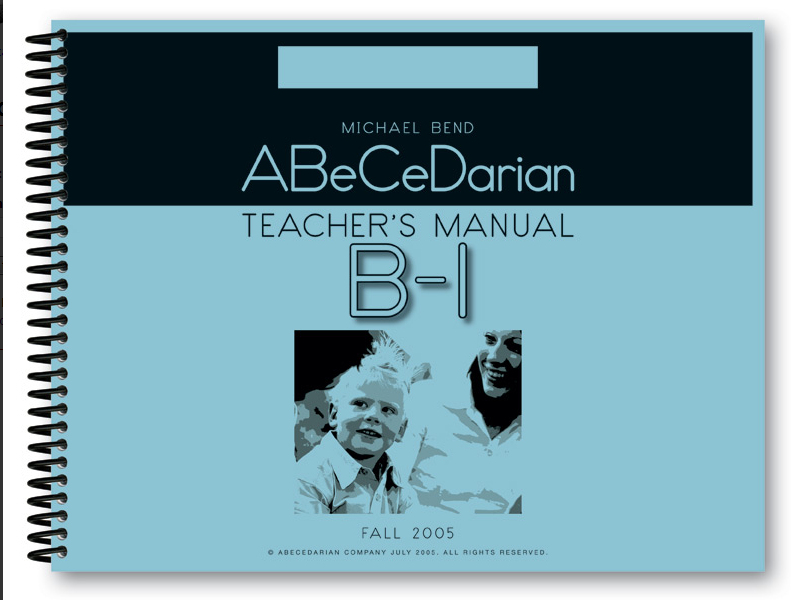
Teacher’s Manual B1, $25.50

teachermanualb1_zpsfc7fb5ed

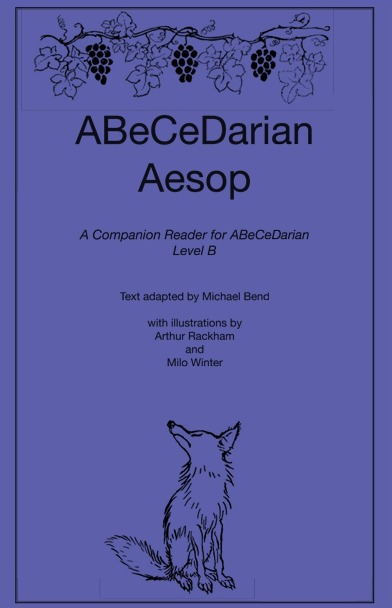
ABeCeDarian Aesop, $2.50

aesop_zpse1629279

I think that ABeCeDarian is turning out to be a good fit, at least for “Mr. Loquacious”. I’m not so sure it will work as well for “The Puzzler”, but we do intend to keep going and see how well they both do. I would recommend this program, especially if you have a struggling reader.

Be sure to click below and read what other crew members thought of ABeCeDarian!

Photobucket

 photo DisclaimerGraphic1_zpsf612f371.gif

1 Comment

Filed under education, home education, homeschool products, homeschooling, Schoolhouse Review Crew Post

A Journey Through Learning . . . TOS Review

Three of my boys have recently been helping me review a product from A Journey Through Learning Lapbooks. Most of our homeschooling friends know by now how much my children enjoy lapbooking, and will understand how happy we were to get the opportunity to try a lapbook study from
A Journey Through Learning Lapbooks!

journeythroughlearninglogo_zps21c38856

We were given three different lapbooks and one unit study in pdf form to choose from:

knights

letters

astronomy

earth

The one my children decided to complete was the Earth Lapbook, which is available here, in two different forms. You may purchase the printed version for $21.00, or you may get the pdf instant download version, for $13.00. The download version is my favorite, because then I can use it for multiple children (and I have four of them!), either at the same time, or as each child reaches the level of ability needed for your chosen lapbook.

The Earth lapbook comes as a 42 page download, and requires two file folders to put together. In this lapbook, your child will:

“Learn about the Earth, what the Earth is made of, the Earth’s crust, sedimentary, igneous, and metamorphic rocks, the Earth’s 4 spheres-lithosphere, hydrosphere, biosphere, and atmosphere, how the Earth moves-the days and the seasons, parts of the Earth, landforms-continents, mountains, valleys, and plains, how mountains are formed, the atmosphere, the water cycle, ocean zones- photic, abyssal, disphotic, hadal, the ocean floor- continental margin, continental shelf, abyssal plain, ocean trenches, and volcanoes.”

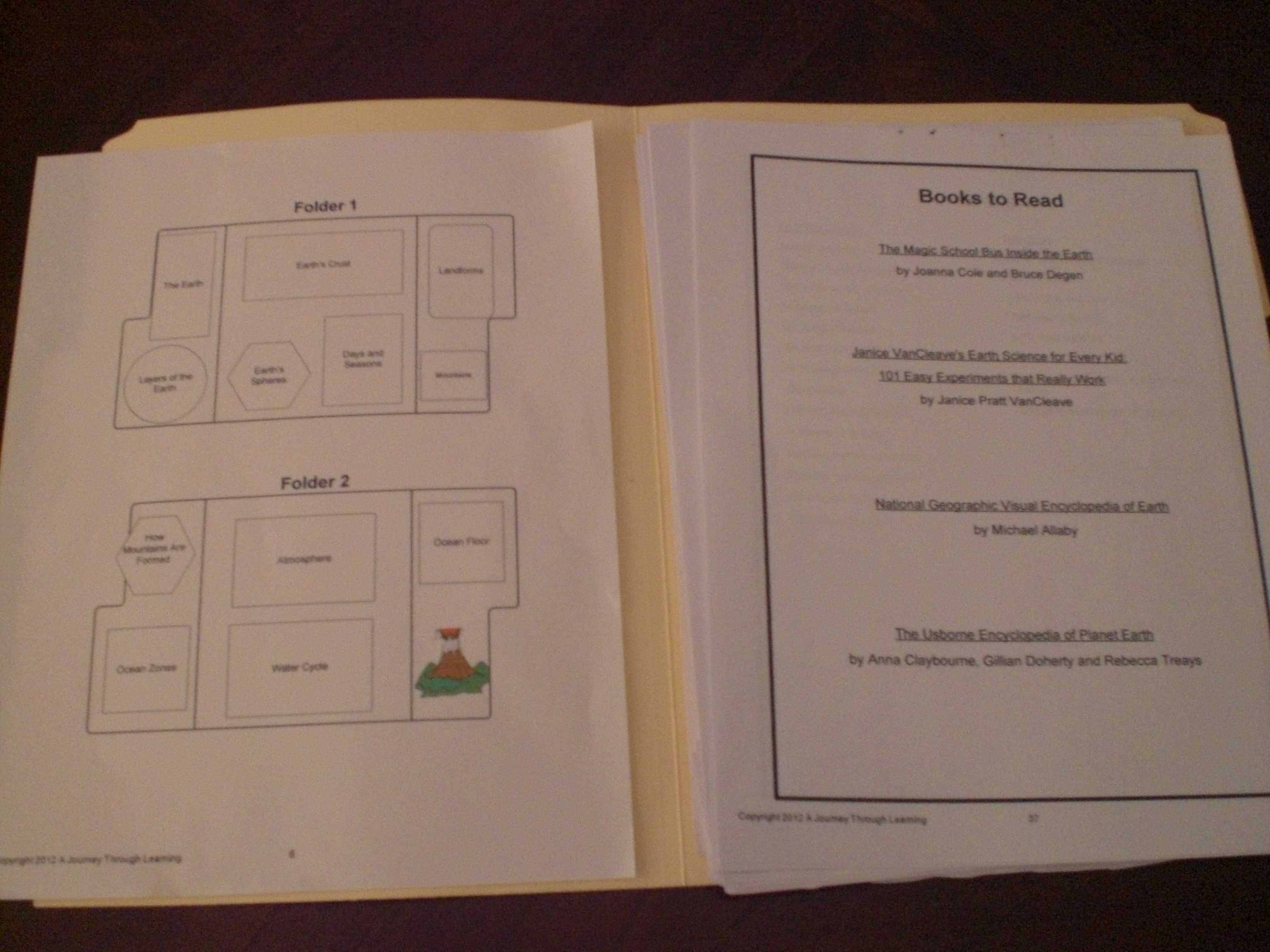
This is our very first experience with A Journey Through Learning Lapbooks, and it has been wonderful discovering just how easy the creators of this company make it for children to create a very nice, educational keepsake! When I opened my pdf file for the Earth lapbook, I found everything we needed. There were print outs of each activity, along with a page of information to go along with each one. My children chose to have me read the information to them, and do the little booklets, etc . . . as we went along. One of the nicest things was the placement guide page, which was like a map showing us where each little booklet was to go. At the bottom of each activity print out was a mini placement guide showing just that one item.

A Journey Through Learning 007

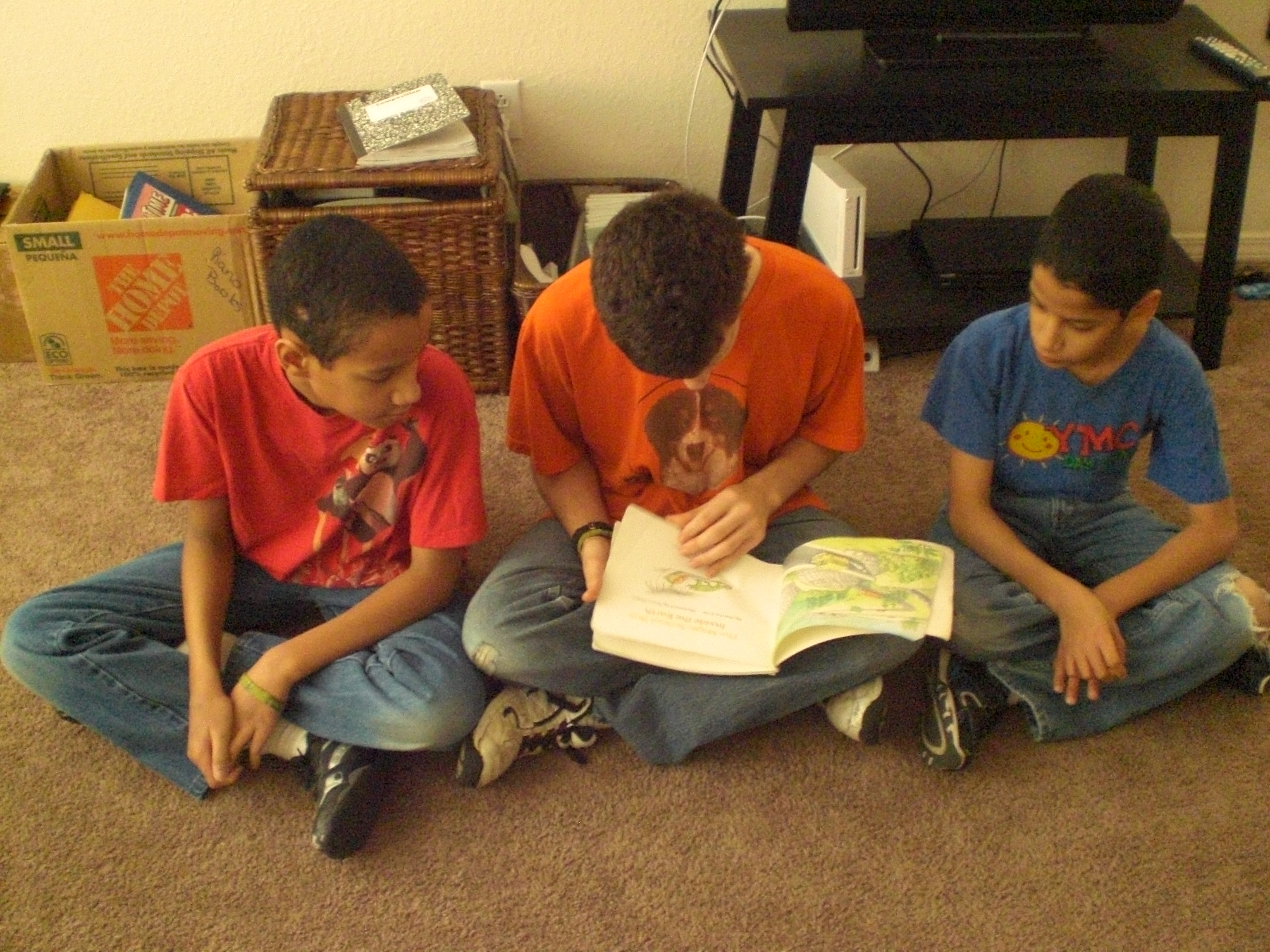
As you can see in the picture above, there is also a list of suggested books if you’d like to add one or two into your study. My children saw the list and reminded me that we own one of the books, A Magic School Bus book titled “Inside The Earth”, by Joanna Cole and illustrated by Bruce Degen. You can see “The Batman” reading it to “Mr. Loquacious” and “The Puzzler” below, as part of their study.

A Journey Through Learning 010

You really need very little in the way of supplies to create your own lapbook. You will need your pdf file of whichever lapbook you have chosen, two or three file folders, scissors, pencil to write with, crayons or color pencils (for the most part, A Journey Through Learning Lapbooks are printed in color, with some graphics in black and white which will satisfy the child who wants to color), and they recommend either zip dry glue or Elmer’s Xtreme glue. I did not find either of those glues local to me, so I chose to use strong, double-sided tape, which I purchased at my local warehouse club. I think it was a worth while investment, even though it was a bulk package, because we do a lot of lapbooks.

A Journey Through Learning 002

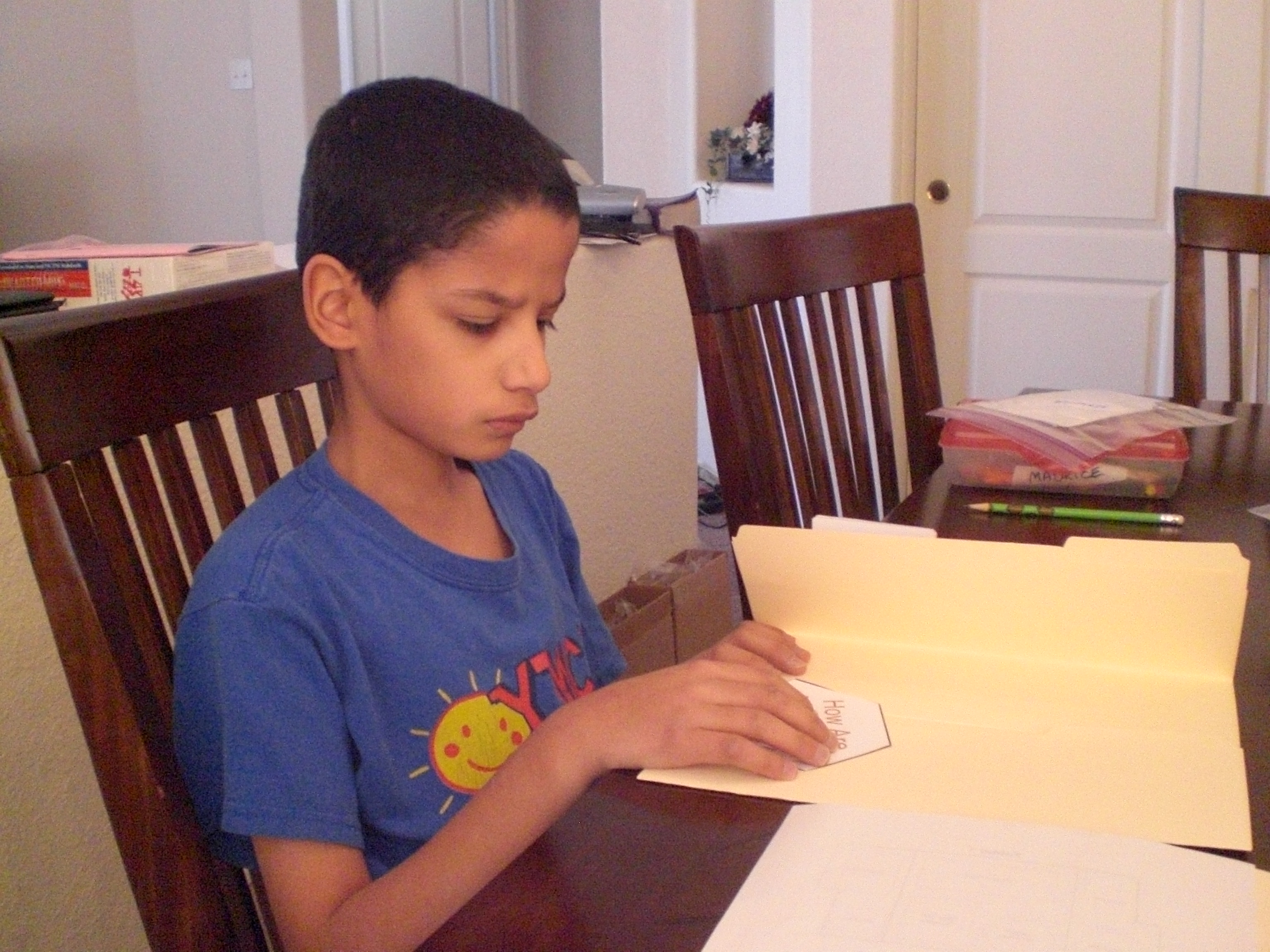
Here is “The Puzzler” working on one of his activities . . .

A Journey Through Learning 001

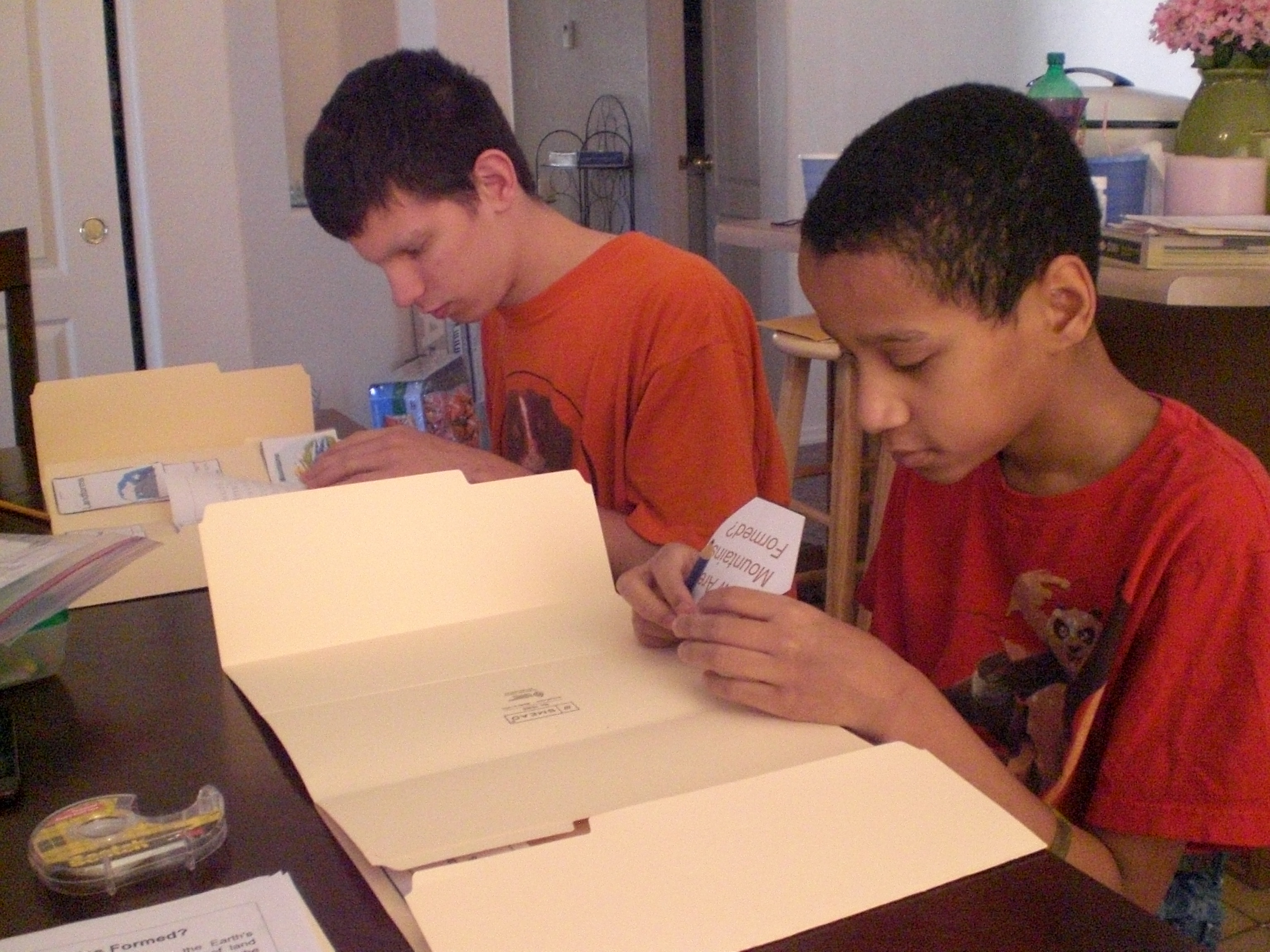
. . . and here we have “The Batman” and “Mr. Loquacious” working on theirs.

A Journey Through Learning 004

This is what my kitchen table looked like when they took a break to watch a couple of educational programs that they really enjoy. We chose to pre-cut everything, and each boy had his projects in a zip baggie with his name on it. This way, the cutting was done and out-of-the-way, and they could simply move on to learning and putting together!

A Journey Through Learning 005

The whole idea is that the children will have a keepsake that they can learn from, and that it will be portable, and easy for them to look through it as often as they wish, so it made me very happy when they were done, that they all asked if they could keep them in their own bookcases, in their own rooms. Again, as my husband likes to say, “stealth learning”!

One of the things I like best about this company is that it was created by two home-schooling moms, and best friends. I very much enjoyed reading their story of how A Journey Through Learning Lapbooks came to be.

We have done several different lapbooks over the years, and have a lot of fun with them. I think that what originally drew me to lapbooking was how similar it is to scrapbooking, and I am an avid scrapbooker. My kids enjoy everything I do in my scrapbooking time, often asking me to show them what new pages I’ve done, so I knew they would love doing something that is kind of the same thing, but with little informational booklets, etc . . . as opposed to photographs. Well, I was right, they really do enjoy making them!

A Journey Through Learning Lapbooks has so many different topics to choose from, including Veggie Tales, the Little House books by Laura Ingalls Wilder, sports lapbooks, math, Spanish, history and geography, to name just a few. In addition, there are lapbooks to go along with some of your favorite curricula, such as Apologia and Jeannie Fulbright curricula. They even have state approved or charter school lapbooks, which might be helpful if you are home-schooling in a state with strict regulations.

A Journey Through Learning Lapbooks has expanded beyond lapbooks now, and they also offer copywork, unit studies, notebooking, folders, and templates.

A Journey Through Learning Lapbooks has a wealth of free information on their website, including several “how to” videos which will teach you everything you need to know about creating your lapbook! There are also several FREE lapbooks here for you to download and create with your children.

You will find a number of Express Lapbooks here, for only $1.00 each, and they also have $5.00 lapbooks of the month, such as the current choices for April, one about horses, the other about spring.

If you join their email newsletter, A Journey Through Learning Lapbooks will send you a FREE “Overview of the 17th Century” lapbook. I signed up for it, and plan to use a lot of their other lapbooks in the future!

Schoolhouse Review Crew Members reviewed this and other lapbooks or the unit study, please go take a look and see what they all thought, too!

Photobucket

disclaimer

1 Comment

Filed under education, home education, homeschool products, homeschooling, Kids, Schoolhouse Review Crew Post

Adventus MusIQ – T.O.S. Review

We have had a lovely time over the past few weeks, learning with the MusIQ Homeschool program from Adventus!

The MusIQ Homeschool program is simply wonderful!

We were (sadly!) hindered by the massive snowstorm that hit a large part of the country during February, because we were waiting for our keyboard to arrive so that we could begin using this material. Of course, this delay was in no way the fault of Adventus, in fact, shipping was affected all over the country, from what I understand. Even though we live in the desert (New Mexico), I-40 was closed from part way into our city all the way into Texas for several days! Because we did not have a midi capable keyboard already, we needed to wait until ours arrived before we could begin our Children’s Music Journey!

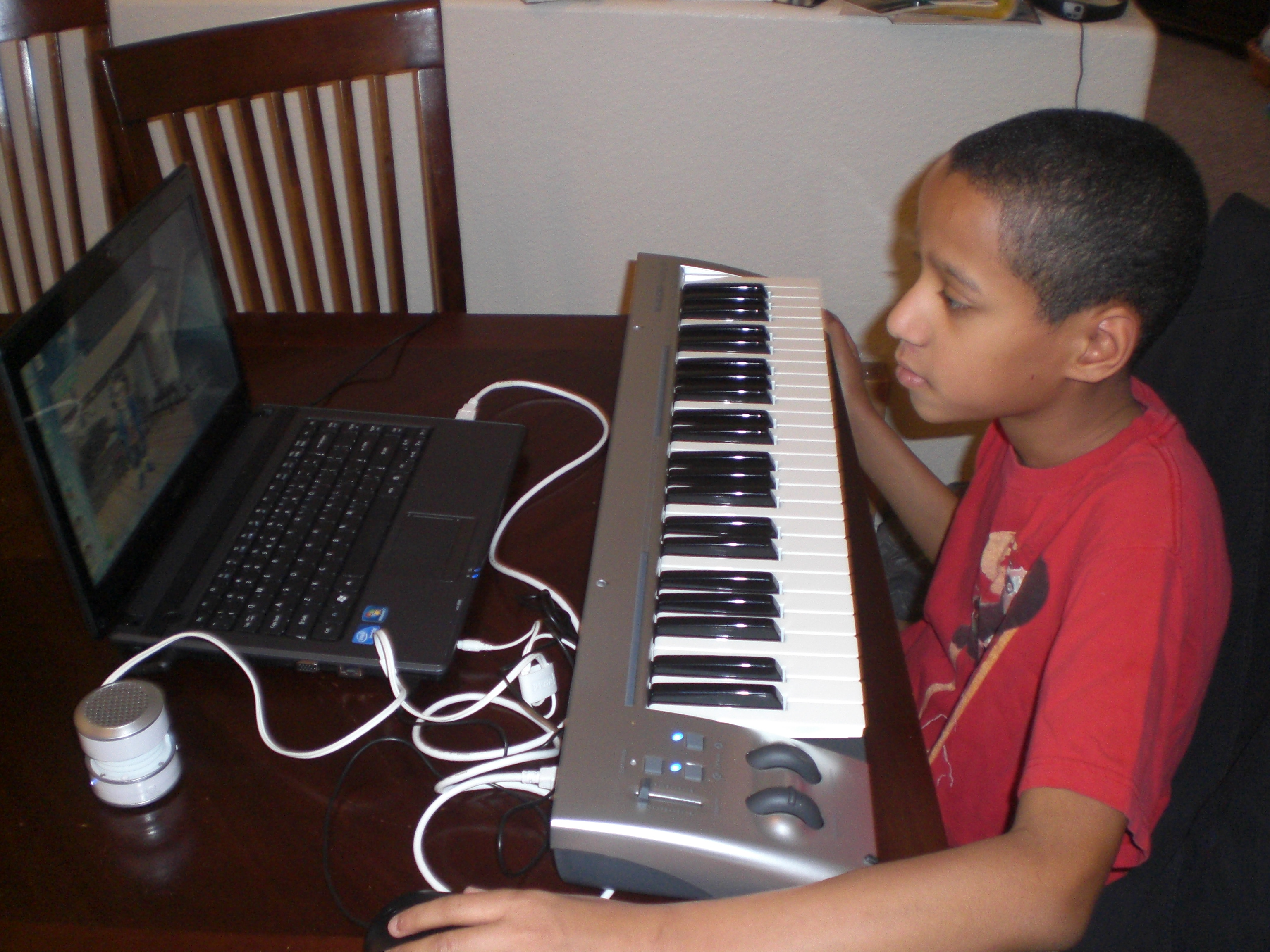
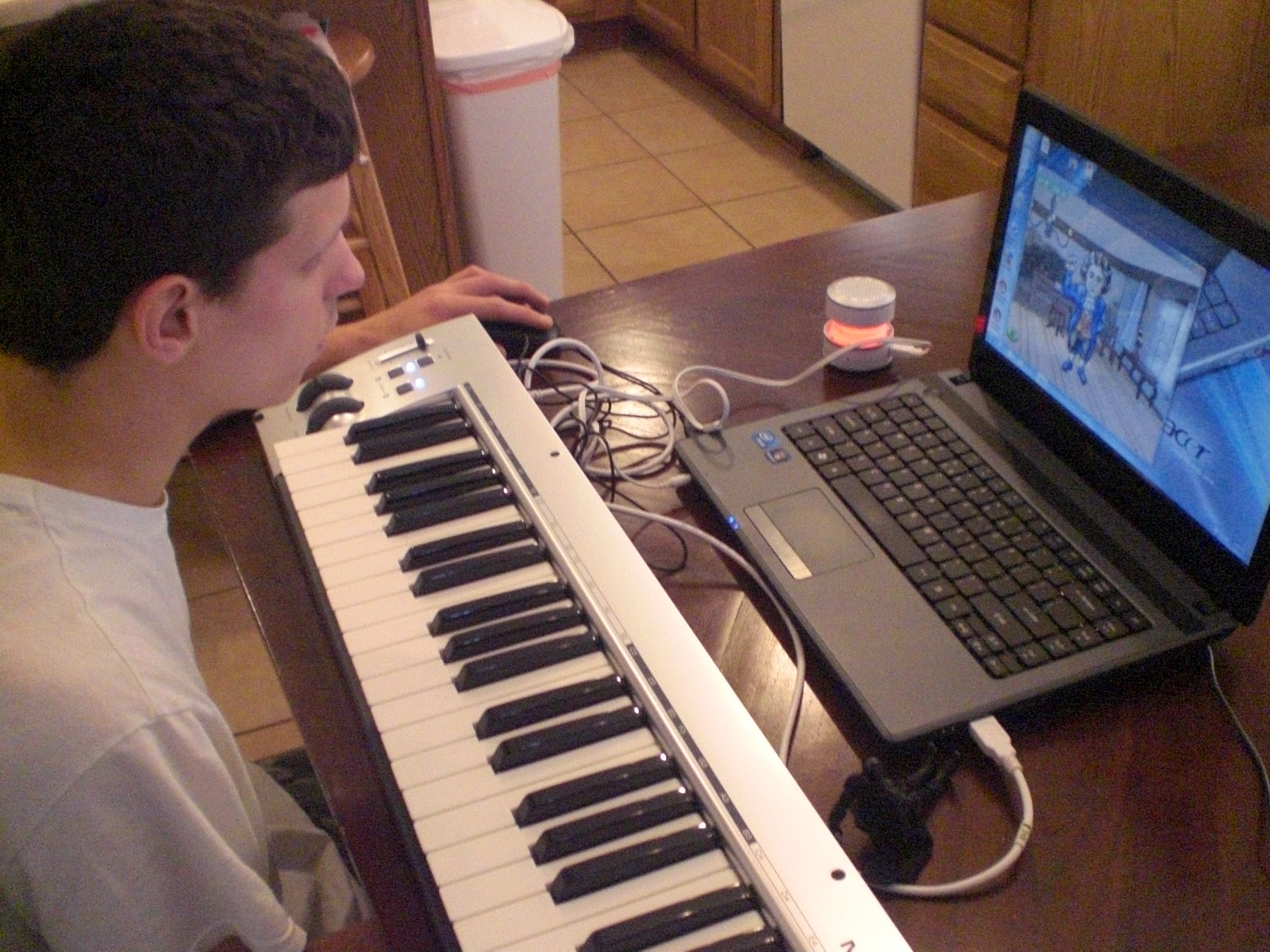
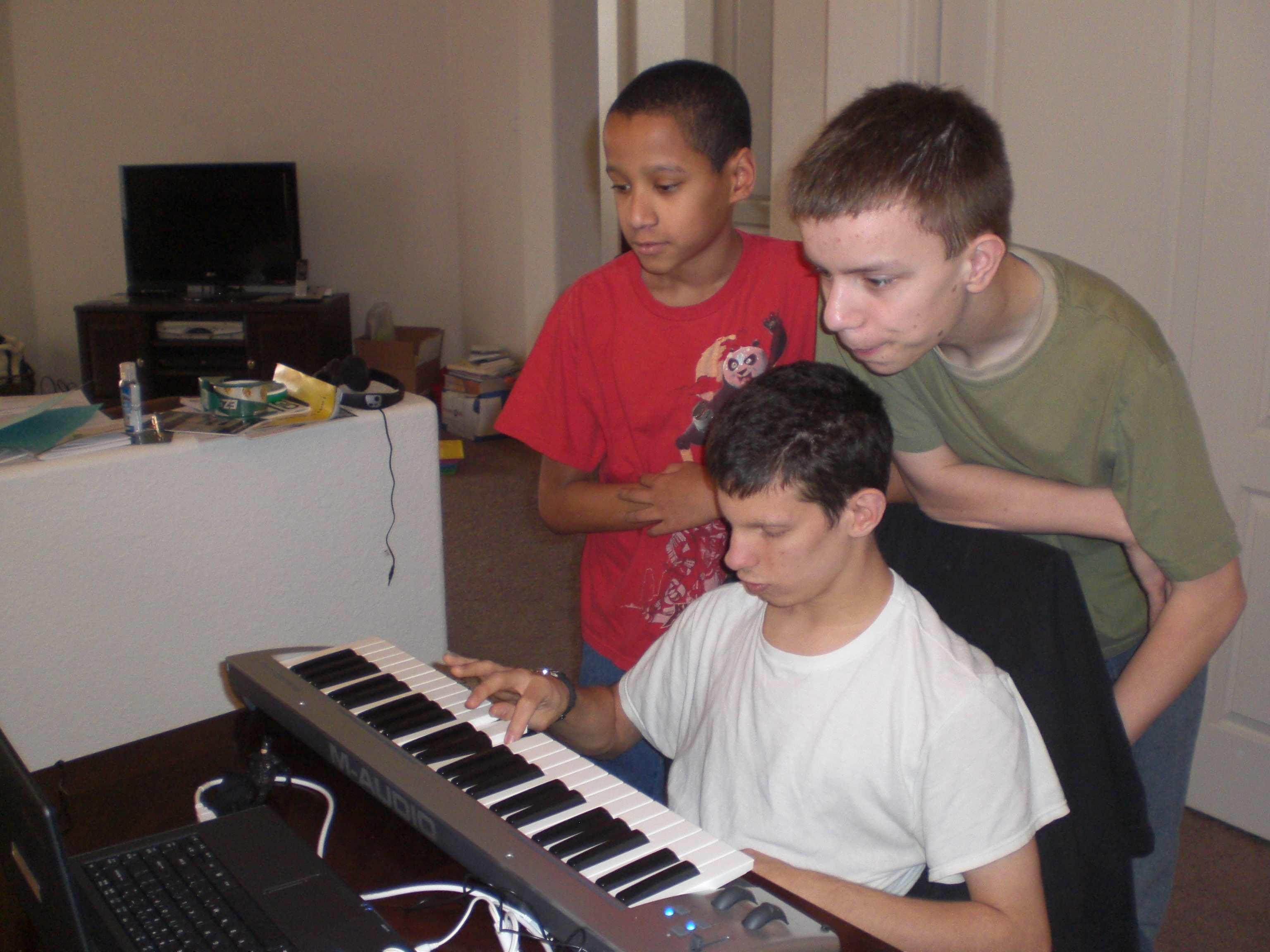
As I am admittedly NOT technologically savvy, my husband’s help was needed when it came to installing the software and getting us going, however, when even HE had to call for tech support at Advantus, I didn’t feel quite as technologically dumb as I usually do! The person my husband spoke with on the phone was very patient, and took plenty of time to help him get the program up and running. We did need to attach a small external speaker to the keyboard, because for some reason the sound was not coming through at all. Fortunately, my husband had a little ipod speaker he had won during a give away at his job, because we’ve used it in this, and at least one other review, as well! 🙂

Before I get into what my boys have been doing with this program, let me tell you what you get with your subscription to Adventus MusIQ Homeschool:

◾unlimited, full-feature access to all the MusIQ HomeSchool software titles (over $450 retail value)
◾a discount on MIDI piano keyboards

This means that for the low subscription cost of $10.95 per month, you would receive access to ALL levels of the Advantus MusIQ Homeschool curricula, which is a phenomenal value, especially if you have multiple family members wanting to learn, even though they may be at different levels. This is a seven-year program, and you can have multiple student log ins, allowing for even large families to benefit from computer based piano lessons without paying separate lesson fees for each of them.

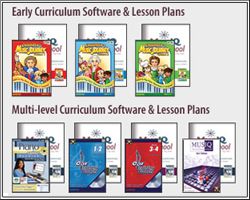
Here is an overview of the program from the subscription page of Advantus:

Early Curriculum (ages 4-10)

Children’s Music Journey Vol. 1

Year 2:
Children’s Music Journey Vol. 2

Year 3:
Children’s Music Journey Vol. 3

Multi-level Curriculum (ages 10+)
Piano Suite Premier

Year 2: term 4, 5, 6
Piano Suite Premier
Ear Training Coach 1

Year 3: term 7, 8, 9
Piano Suite Premier
Ear Training Coach 1&2
Ear Training Coach 3&4

Year 4: term 10, 11, 12
Piano Suite Premier
Ear Training Coach 1&2
Ear Training Coach 3&4
MusIQ Challenger Game

Your computer system requirements for Adventus MusIQ Homeschool are:

◾Early Curriculum: Windows 7/Vista/XP/2000 or Macintosh OSX and an internet connection.
◾Multi-level Curriculum: Windows 7/Vista/XP/2000 and an internet connection.

You will also need a MIDI Keyboard. If you do not already have one, Advantus carries a very nice one here, and your subscription includes a discount on the purchase of the keyboard.

The subscription is really budget friendly, because it is, as I said, a monthly cost of $10.95, and can be used by multiple students, at several different levels. However, there are other options for purchasing the software outright, listed on the Adventus website, including packages which would include a keyboard along with the purchase.

Now, to what has been going on in our house, in just the short time we have had Adventus MusIQ Homeschool! I especially wanted to focus primarily on having my twins use this program, as they have had no piano training whatsoever, and I wanted to see just how well it would really work for them. They do have some developmental disabilities, so even though they are almost 12 years old, I put them into Children’s Musical Journey 1, which is actually recommended for ages 4 – 10.

Adventus review 009

Here is “The Puzzler”, watching a lesson given by Mr. Beethoven, in animated form.

Your children will enjoy the lessons, as they are very short (which works well with my boys), and taught in an engaging way by many famous composers such as Beethoven, Bach, Joplin, Mendelssohn & Villa-Lobos. My boys finished the first five lessons, and are excited that when they go on for more today, they move on to a new teacher!

Adventus review 006

“Mr. Loquacious” is having HIS lesson

In fact, even my oldest son, “The Batman”, decided to give this a whirl . . .

Adventus review 004

As you can see, even his Batman action figure (seated in front of the keyboard) is being introduced to Mr. Beethoven! 🙂

The Children’s Music Journey is set up to be fun for the kids. After their short lesson with a famous composer, they can go into different areas, such as the practice room with “Miss Melody”.

Adventus review 003

After viewing the lesson, here is “The Puzzler” at another time, in the practice room.

They can go into the game room, where various games will be unlocked, depending upon which levels the child has completed. My children, of course, LOVE the game room!

Adventus review 008

“The Batman”, in the game room, with his own Batman action figure in his hand to help him play!

Although “The Artist” said he was not interested in participating in this particular review, as you can see here . . .

Adventus review 005

. . . even he came in to watch and see what was giving the others so much enjoyment!

Included in the downloadable lesson plans are coloring pages and worksheets, to reinforce what the children are learning during each lesson.

Adventus review 010

Here, “The Batman” and “Mr. Loquacious” are doing some of the pages.

In addition to the lesson room, the practice room, and the game room, there is also the improvisational room, where children may compose their own pieces using a variety of instruments and background music, and the library, where the student may review previous lessons, listen to music composed by the teacher they have already been working with, listen to music they themselves recorded in the improvisation room, or learn more about musical history.

In the edition of Children’s Music Journey 1 that we have, they have apparently changed Miss Melody’s appearance, because she looks more old-fashioned, with different hair and a long dress, which we like, it seems to fit better with the era of the composer we are currently on. Of course, I don’t know, her appearance may be different in different levels, depending upon what time period the composer/teacher is. I guess we’ll have to wait to find out! 🙂

Adventus has also provided additional materials for parents and teachers in the MusIQ Library, which include the following:

How to Insert Links Into Blogs: Have your students download their homework! How to insert links into your class blog

Certificates: Instructions for printing and distributing Certificates (all levels)

Blank Keyboards & Staffs: A collection of blank staffs and keyboard templates of various

GAME: Grand Staff Ladder: Fun for students of many ages and abilities!

MY children are really enjoying this program, especially my twins, “Mr. Loquacious” and “The Puzzler”. As I sit here writing this review, “The Puzzler has been in here no less than five times asking if I will go set the keyboard and laptop, up so he can do his next lesson “NOW, please?”, LOL! Now, THAT’S the sort of response I love to get when it comes to educational products, because it means they are learning with fun, not with drudgery. As my husband likes to call it, it’s “stealth” education!

We are enjoying Adventus MusIQ Homeschool, and I think you will, too!

To read what other crew members think of Children’s Musical Journey level 1 and other levels of MusIQ Homeschool, please click on the banner below:

Photobucket

2 Comments

Filed under family, home education, homeschool products, homeschooling, Kids, Schoolhouse Review Crew Post, Uncategorized

Essentials In Writing . . . Where Students Learn to Write T.O.S. Review

Recently, I had the chance to use and review a writing curriculum called Essentials in Writing with my younger children, who are chronologically almost 12 years old, but who, for varying reasons, have had some significant delays.

EssentialsinWritinglogo_zps7affe1cf

Essentials In Writing was founded by Matthew Stephens. He was a middle school English teacher in the public school before he created the Essentials in Writing curriculum, and has taught at nearly every grade level.

Since my twins “Mr. Loquacious” and “The Puzzler” are just at the beginning stages of being able to focus on any formal academics, I chose the grade 1 curriculum, which is intended for aged 6 – 7.

gr1logo

The grade 1 curriculum is $40.00, and includes the DVD lessons and a PDF file with all of the worksheets and answer keys, should you need them. There is an option to purchase a pre-printed workbook offered during the checkout process for $20.00. I chose to print the worksheets a few days at a time, rather than printing them all out at once.

From the website page about the grade one curriculum:

“In First Grade, your child will learn: how to use words to make complete sentences, basic grammar, capitalization and punctuation of sentences, compose a friendly letter and a paragraph, and other topics.”

The grade 1 curriculum covers the following basics of written communication:

•Review Letter Formation and Sounds
•Introduction to Complete Sentences
•Capitalization Rules: Beginning of sentences, names

•Punctuation Rules: period, question mark, & exclamation point

•Basic Grammar: Subject/Predicate, Nouns, Action Verbs

•Parts of a Personal Letter
•Writing a Personal Letter
•Parts of a Paragraph
•Writing a Paragraph
•Other Forms of Written Communication: Lists
•Introduction to Narrative and Descriptive Paragraphs

•Text Features of Poetry

You may view a sample lesson here by scrolling down to the bottom of the page.

“Mr. Loquacious” and “The Puzzler” were not very enthusiastic about trying this curriculum at all when we began. They said “Mr. Stephens talks to us like we’re little kids!”. The plain fact, though, is that they were learning things while watching the lessons that they had not learned when they WERE age 6 – 7! They did not come into our family until they were age 8, and were not yet at that time reading, let alone writing in sentences.

This curriculum is SUPER easy to use, especially for the home schooling mom who finds herself either too busy for, or not comfortable with planning out lessons. The student watches each lesson on the DVD, and then does the assignments related to that lesson (which you, the parent, have either printed from your PDF file, or purchased in the pre-printed workbook). Some of the lessons have just one assigned worksheet, while others have two or three, labeled by letter (lesson 8A, 8B, 8C, for example). So, depending on the particular lesson and the child/children involved, one lesson can take anywhere from one – three days. So far, the most assignments my children have had from one DVD lesson has been three. I generally let them watch the lesson and then do one worksheet on the same day, with the remaining pages done one per day until completed. Because of their developmental delays, it is definitely taking longer to do each lesson than it may take your child.

022

“Mr. Loquacious”, “The Puzzler” & “The Batman, watching Mr. Stephens teach lesson number 10.

023

. . . and now they are doing worksheet number 10 A.

“The Puzzler”, my perfectionist, gets exasperated whenever Mr. Stephens goes even slightly outside of the lines on the board when he is teaching the lessons, and even more so whenever he himself makes a mistake in spacing, or capitalization, etc . . . but he is getting more practice at doing these things than he was before we began using this curriculum.

“Mr. Loquacious” is my speed demon . . . he wants to skip ahead of the instructions and do things his own way. He is discovering, though, that when he slows down and listens, he remembers better how to form his written sentences. He also sees how much neater his printing is by slowing down and paying attention to the task at hand.

“The Batman” didn’t really need the beginning lessons, but I brought him in with the others once we got past beginning letter formation and into proper capitalization, spacing of words, and punctuation. All three boys (and I’m considering having their brother “The Artist” join us too) will benefit from everything we are getting to at this point, and continuing on with, especially when we get to the sections on writing letters and different types of paragraphs. We have good friends in Michigan where we used to live, as well as family members there and in other states. All of my boys would very much like to be able to write proper letters. Or, maybe it’s me who would like them to be able to do so, LOL!

What I really like about Essentials in Writing is how simple it is for us to use. All I have to do is print out the worksheets, put the DVD in, and we are good to go! Really, it could not be any easier. I also do think that Mr. Stephens is a good teacher, and he is good at giving the lessons in a basic, easy to understand manner. One of my boys, “The Puzzler”, functions much younger than his twin, and he is having no problem understanding the lessons while watching Mr. Stephens teach. As I said before, though, he doesn’t like it when Mr. Stephens’ writing is not perfectly lined up. 🙂 I like that the lessons are very short, and that the written work is broken up so that it can be spread over a few days before moving on to the next lesson. The lessons are apparently filmed within a classroom setting, because when Mr. Stephens asks questions, there is often a child’s voice giving an answer. My kids noticed that before I did.

I do feel the production values of the DVD lessons could be better. The video recording did not seem to have been professionally done in either my husband’s opinion, or my own. It sort of looks like it was done by a person holding a video camera, as opposed to even having the steadiness of a tripod. There is visible shakiness in spots, and we can at times see what looks like the shadow of the camera person reflected on the white board that Mr. Stephens is using as he teaches the lessons.

Over all, I can say that Essentials in Writing Grade 1 IS giving my children the basics of written grammar and communication, and we will continue to use it, at least through the end of this level, although I would like to see the company revisit the quality of the filming in future editions.

disclaimer

Crew members reviewed this and other grade levels of Essentials in Writing . . . click below to find out what they thought!

Photobucket

1 Comment

Filed under education, home education, homeschool products, homeschooling, Kids, Schoolhouse Review Crew Post